LAB/07 — CARL
Carl
 Founding MemberTrusted Dev
- PRODUCTS
- 23
- OWNERS
- 3
- RATING
- 5.0 ★ (1)
- MEMBER SINCE
- September 2026
THEIR WORK
CableCars
# CableCars  **Admin-built aerial cable car lines for Rust servers.** | | | |---|---| | Version | 1.4.0 | | Author | Crtcarl | | Platform | Oxide / uMod (Rust) | | Optional plugins | Economics, ServerRewards, SignArtist | CableCars lets an admin build working cable car lines anywhere on the map. A line runs between two end stations, with optional middle stations and lattice towers. Players walk up to a car in a station, press **E**, pay the fare, and ride. ## Features - **Two line modes** - `detach` - a continuous loop with any number of cars. Supports middle stations. - `jigback` - a reversible line with 2 cars that shuttle back and forth. - **Stations and towers** - station halls, lattice towers, a control room with an operator NPC, and decorations (recyclers, sofas, repair bench, research table, workbench, refinery, arcade machine, ceiling lights). - **Track dressing** - cable pieces along the track, Christmas lights, tesla coil hanger arms, spark effects. - **Fares** - pay with any item (default scrap), Economics, or ServerRewards. Optional refund if the rider leaves before departure. - **Day passes** - optional timed pass that gives free rides. - **Operating hours** - optional open and close times by game hour. Lights can run at night only. - **Station info panel** - shows the destination, the fare, and a countdown to the next car. - **Map markers** - pink markers at every station with the line name and fare. - **Auto tower placement** - places towers from the terrain, with clearance checks over rocks and cliffs. - **Monument anchoring** - anchors a line to a monument so it rebuilds in the right place on a new map. - **Protection** - build blocking around stations, towers and track. Riders cannot take or deal damage. Stations can be safe zones. - **Car radio** - a boombox in every car. - **Station sign** - a picture sign on the back wall of end stations, loaded from an image URL. - **Admin panel** - an in-game UI with Build, Tuning, Stations and Help tabs. - **Smooth movement** - frame-driven movement and batched entity spawning. - **Hooks and API** for other plugins. ## Installation 1. Copy `CableCars.cs` into `oxide/plugins/`. 2. The plugin creates `oxide/config/CableCars.json` and `oxide/data/CableCars.json` on first load. 3. Grant the admin permission: ``` oxide.grant group admin cablecars.admin ``` ## Permissions | Permission | Purpose | |---|---| | `cablecars.admin` | Use `/cablecar` and the admin panel. | | `cablecars.free` | Ride without paying the fare. | ## Quick start: build a line 1. `/cablecar create <name>` - start a new line. 2. Stand where station A's deck should be and type `/cablecar station`. 3. Walk the route. Add towers with `/cablecar tower [height]`, or skip this step and use `/cablecar autotowers [spacing]` later. 4. Stand at the far end and type `/cablecar station` again for station B. 5. `/cablecar preview` - check the route. Use `/cablecar fixclearance` if the preview shows low sections. 6. `/cablecar build` - spawn the line. ## Player commands | Command | Purpose | |---|---| | Press **E** next to a car in a station | Board the car and pay the fare. | | Press **E** at a station | Leave the car. Riders cannot exit between stations. | | `/ccpass` | Show the day pass price, or the time left on an active pass. | | `/ccpass buy` | Buy a day pass (when day passes are enabled). | ## Admin commands `/cablecar` with no arguments opens the admin panel. `/cablecar help` lists every command in chat. ### Build | Command | Purpose | |---|---| | `/cablecar create <name>` | Start a new line. | | `/cablecar edit <name>` | Edit an existing line. Changes apply on `build`. | | `/cablecar station [a\|b\|mid]` | Place a station at your position. | | `/cablecar tower [height]` | Place a tower at your position. | | `/cablecar undo` | Remove the last point. | | `/cablecar autotowers [spacing]` | Place towers automatically from the terrain. | | `/cablecar fixclearance` | Raise towers near low sections. | | `/cablecar anchor` / `unanchor` | Anchor the line to a nearby monument, or remove the anchor. | | `/cablecar mode detach\|jigback` | Set the line mode. | | `/cablecar cabins <n>` | Set the number of cars. | | `/cablecar fare <amount>` | Set the fare for the line. | | `/cablecar preview` | Show the route and clearance problems. | | `/cablecar build` | Spawn the line. | | `/cablecar cancel` | Stop editing without saving. | ### Towers | Command | Purpose | |---|---| | `/cablecar towers` | List towers with their numbers. | | `/cablecar towerheight <#> <m>` | Set a tower's height. | | `/cablecar towermove <#>` | Move a tower to your position. | | `/cablecar towerinsert <#> [m]` | Insert a tower at your position. | | `/cablecar towerdel <#>` | Delete a tower. | ### Manage | Command | Purpose | |---|---| | `/cablecar list` | List all lines. | | `/cablecar remove <name>` | Delete a line. | | `/cablecar start <name>` / `stop <name>` | Start or stop a line. | | `/cablecar debug <name>` | Show debug information for a line. | | `/cablecar goto <name>` | Teleport to a line. | ### Tune Each of these prints its own usage and current values when typed without arguments. | Command | Tunes | |---|---| | `/cablecar cabin` | Hanger length, roof height, body offset, seat positions, exit distance, hanger arm. | | `/cablecar piece` | Cable piece rotation, length, overlap, height, and track style (`pieces` or `none`). | | `/cablecar lights` | Christmas lights: on/off, night-only, height, spacing, slack. | | `/cablecar sparks` | Spark effects: on/off, interval, height, effect prefab. | | `/cablecar markers` | Map markers: on/off, colour, radius, label. | | `/cablecar smooth` | Network send interval, rotation smoothing, corner smoothing. | | `/cablecar sign` | Station sign image URL, and `reapply`. | | `/cablecar decor` | Save a hand-built station layout for every end or middle station, or clear it. | | `/cablecar room` | Control room: toggles for room, operator, door, light, and console and chair positions. | | `/cablecar window` | Control room window height. | | `/cablecar testpiece` | Spawn a test cable piece. | ## Configuration The config file is `oxide/config/CableCars.json`. It is split into sections: | Section | Controls | |---|---| | Line | Line speed, station speed, cable sag, line spacing, default cabin count, tower heights, auto tower spacing and clearance, operating hours. | | Riding | Board radius, exit distance, rider damage protection, build blocking and its distances. | | Payment | Default fare, currency (`item`, `economics`, `serverrewards`), item shortname, refunds, day pass price and length. | | Cabin | Car prefab, size, hanger length, swing and wind sway, seat parts. | | Hanger arm | Arm prefab, offset, position, rotation. | | Radio | Car radio on/off, prefab, position. | | Station sign | Sign prefab, image URL, position, SignArtist use, image resize. | | Control room | Room on/off, side, grade, console, chair, operator NPC, door, windows. | | Track | Cable piece prefab, length, overlap, rotation, maximum pieces per line. | | Stations and towers | Building grade, hall levels, info panel, safe zones, decorations, arrival chime. | | Lights | Christmas lights prefab, spacing, power, night-only. | | Sparks | Spark interval, height, effects. | | Map markers | Label, colour, radius, alpha. | | Performance | Network send interval, entities spawned per frame. | Key defaults: | Setting | Default | |---|---| | Line speed | 5 m/s | | Station speed | 1.35 m/s | | Default cabins (detach) | 8 | | Default tower height | 25 m | | Default fare | 10 scrap | | Day pass | Disabled. 100 for 24 real hours when enabled. | | Operating hours | Disabled. 06:00 to 22:00 when enabled. | | Riders can't be damaged | true | | Block building near the line | true (8 m from track and towers, 20 m from station centre) | | Stations are safe zones | true (25 m radius) | ## Developer hooks ```csharp // Return a string (shown to the player) or any non-null value to block boarding. object CanCableCarBoard(BasePlayer player, string line) void OnCableCarBoarded(BasePlayer player, string line, string station, int paid) void OnCableCarDeparted(BasePlayer player, string line, string station) void OnCableCarArrived(BasePlayer player, string line, string station) void OnCableCarExited(BasePlayer player, string line, string station) ``` ## API Call with `CableCars.Call(...)`: ```csharp bool API_IsRiding(BasePlayer player) string API_GetRiderLine(BasePlayer player) List<string> API_GetLines() bool API_IsCableCarEntity(BaseEntity entity) ``` ## Localization All player messages are in the Oxide lang file (`oxide/lang/en/CableCars.json`) and can be translated.
£34.99 · v1.5.0
 RUST PLUGIN
Carls Creator
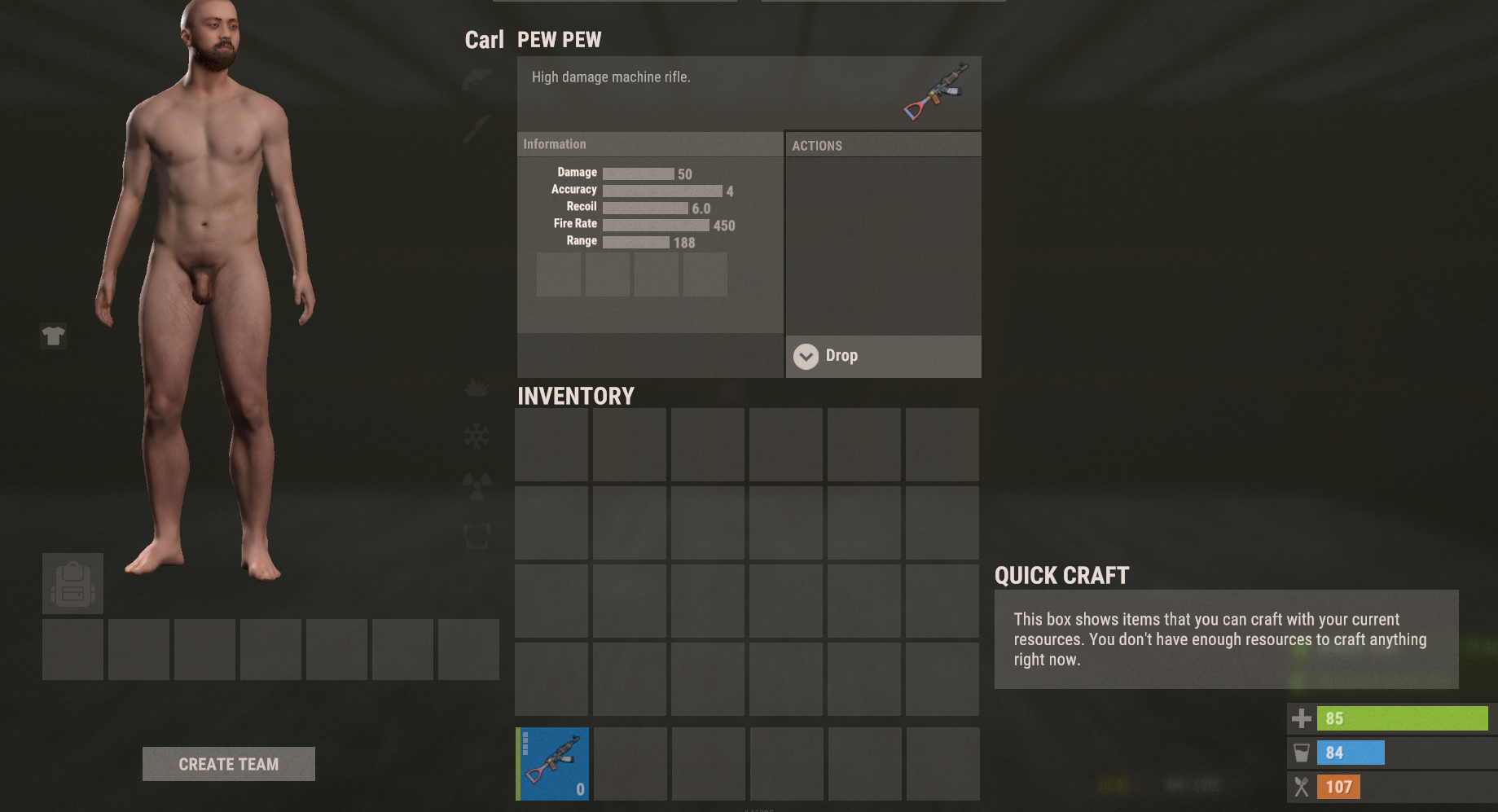
Advanced one of a kind item creation UI that lets admins easily spawn custom items. Includes search, custom name, skinID, reference lists, slot control, and legendary item support optional. Chat Commands /cc Permission required: carlscreator.use Description: Opens the CarlsCreator Item Creator UI. What the UI allows: Set item shortname Set custom name Set skin ID Set slot count Set amount Toggle Legendary Item creation (requires plugin) Browse all item shortnames with: Pagination Search filtering easy copy&paste ability. Please open a ticket with plugin name to purchase. IMPORTANT DEPENDENCY NOTICE This plugin REQUIRES the Chaos extension to be installed on your server. • The Chaos extension is NOT included with this plugin • It must be obtained directly from ChaosCode • If Chaos is not installed, this plugin will NOT load By purchasing this plugin, you confirm that your server already has the Chaos extension installed or that you are able to obtain it.
£29.99 · v1.0.4
 RUST PLUGIN
Death Redeem
Gives players the option to respawn at their death location using a configurable cost. Supports Scrap, Economics, ServerRewards, or custom items, with a full death-screen UI, a player-facing bank UI, and in-game admin controls. Features Death-screen card next to the respawn options — shows cost and your balance at a glance, colour-coded green when you can afford it and grey/red when you can't One-click redeem: pay and respawn near your death location instantly Player bank UI (/deathbank) — deposit and withdraw with buttons (+10 / +100 / +1000 / ALL), live balance, on-hand count, respawn cost, and a status line telling you exactly how much more you need for your next redeem Admin UI for changing settings in-game without touching the config Four payment modes: Scrap, Economics, ServerRewards, or a custom token item (any item + skin ID) Configurable redeem window, respawn offset distance, costs, colours, UI position, and command names VIP-friendly bypass permission for free respawns Safe respawn placement — finds clear ground near the death spot, never inside walls or foundations Permissions deathredeem.use Allows use of the death-screen redeem button and /drshow. deathredeem.bank Allows use of the bank system. Required for the /deathbank UI and the /bankd and /bankw commands. Also allows /drshow info output. deathredeem.admin Grants access to the Admin UI. Allows changing payment mode, cost, enabling/disabling the plugin, and toggling withdrawals. deathredeem.bypass Bypasses all costs and checks. Free respawn, ignores balance requirements. Chat Commands Command names are configurable — defaults shown below. /deathbank Permission: deathredeem.bank Opens the bank UI. Shows your bank balance, scrap/tokens on hand, and the current respawn cost, with deposit and withdraw buttons. Only used in Scrap or CustomItem modes. /bankd <amount> Permission: deathredeem.bank Deposits scrap or custom tokens into the DeathRedeem bank via chat. Only used in Scrap or CustomItem modes. /bankw <amount> Permission: deathredeem.bank Withdraws scrap or tokens from the bank via chat. Requires AllowWithdraw = true. /deathredeem Permission: deathredeem.admin Opens the DeathRedeem Admin UI. /drshow Permission: deathredeem.use, deathredeem.bank, or deathredeem.bypass Shows current mode, cost, and player balance. Payment Modes Scrap Economics ServerRewards Custom token item (configurable shortname, skin ID, and display name) Data Bank data saved to DeathRedeem_Bank.json Bank clears on wipe (configurable) Please open a ticket with the plugin name to purchase.
£24.99 · v1.1.0
 PLUGIN PACK
Gambling Pack
Turn your server's scrap into a casino. Three gambling plugins that share one currency, one look and one feel, so players learn them once and play all three. Every game takes bets in **Scrap**, **Economics** or **ServerRewards** — your pick. Every game is safe on disconnect: a player who logs out mid-hand, mid-flip or mid-spin loses nothing, and what they are owed is settled when they come back. **Blackjack** — A full table with animated dealing. Play the dealer with real rules (stands on 17, optional soft 17, multi-deck shoe, double down) or challenge another player head-to-head, closest to 21 takes the pot. `/bj` to open, `/bj top` for the leaderboard. **Coin Flip** — The fastest bet on the server. Flip against the house on a 50/50 with a house edge you set, or call out another player and let the coin decide who takes the pot. Cooldowns and daily limits keep it from getting out of hand. `/cf` to open, `/cf top` for the leaderboard. **Slot Machine** — A fully animated slot machine, 3 to 7 reels by 1 to 5 rows, with any Rust item as a symbol — skins included. Live paytable, bet controls, auto-spin, and a jackpot banner above the reels with its own sound when someone hits it. Bet in one currency and pay out in another if you want. `/slots` to open. ### Why the pack These three were built as one set. Same currency hooks, same permission pattern, same animated UI, same care on disconnect. Install all three and your server has a casino, not three plugins that happen to be about gambling. Every bet range, payout multiplier, table tax, cooldown and symbol is in the config. Run it tight or run it loose. Bought alone they are £29.97. The pack is £19.99. Each plugin is a separate file with its own config and its own updates.
£19.99 · 3 plugins
 RUST PLUGIN
Multi Function Utility Box
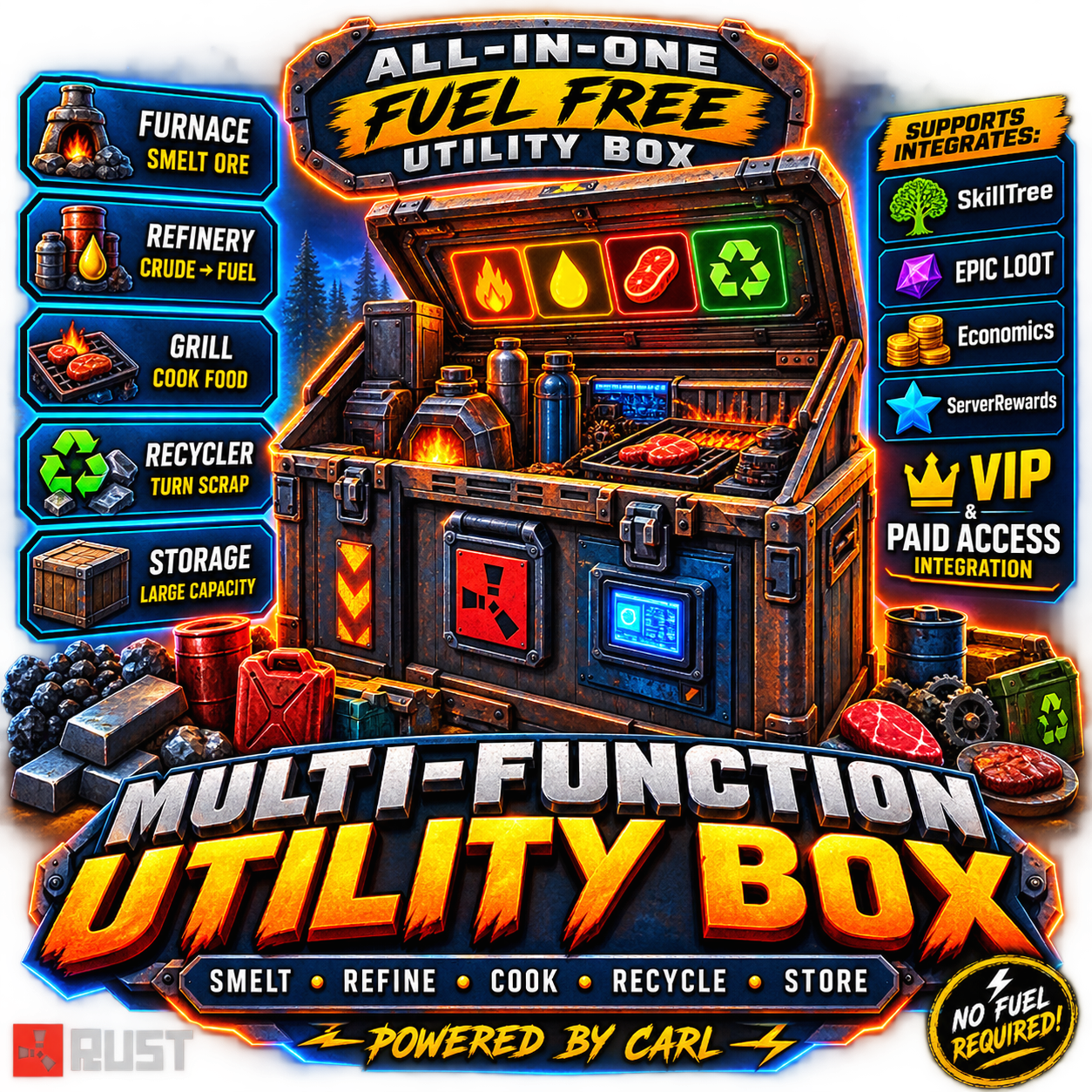
Turns a normal deployable box into an all-in-one passive processing station smelting, cooking, refining, and recycling all happen automatically inside the same box, no separate furnaces or recyclers needed. Give it out as a special reskinned item via command, and it only activates its processing when it recognizes its own skin. Features Reskins a configurable base deployable (default: large wooden box) with a workshop skin, recognized purely by name + skin ID Passively smelts ore, cooks food, refines crude oil, and recycles items — all inside the box on a set interval Recycling has a randomized yield range and a short exemption timer, so items can't be instantly re-recycled in a loop Fixed yields for non-craftable loot items (Gears, Tech Trash, etc.) SkillTree and Epic Loot integration for speed bonuses and bonus loot rolls Optional paid temporary access for non-VIP players (Scrap, Economics, ServerRewards, custom item, or resources) Shop-ready — mfbox.give is a console command, so it drops straight into any shop plugin for players to buy Admin diagnostic command to check why a container is/isn't recognized as a Utility Box Chat Commands /mfbox — (admin) give yourself a Utility Box /box — buy/activate temporary processing access (VIP with permanent access just gets a confirmation reply) /mfboxclear <name/steamid> — (admin) clear a player's temporary paid access Console Commands mfbox.give <name/steamid> — give a Utility Box to a player (wire this into your shop plugin's purchase command to sell it) mfbox.clearaccess <name/steamid> — clear temporary access via RCON/console mfbox.checkbox — (F1, looking at a container) diagnostic: shows prefab/skin match and tracking status Permissions multifunctionutilitybox.use — required for a box to actually process (permanent access) multifunctionutilitybox.give — required to use /mfbox and /mfboxclear
£19.99 · v1.0.0
PlayerRanches
**Player-built livestock ranches for Rust. Fence a pen, place a gate, then buy and upgrade it from a UI.** | | | |---|---| | Version | 1.0.0 | | Author | Crtcarl | | Platform | Oxide / uMod (Rust) | | Optional plugins | Economics, ServerRewards, Clans, TruePVE, EntityScaleManager | Player Ranches turns the vanilla animal fence into a real ranch. A player builds a closed pen with animal fences and an animal fence gate. The plugin detects the pen, the player buys it, and a feeding and water station appears inside. Livestock led into the pen are registered to the ranch and protected. Upgrades add more animal slots, automatic water, and automatic milk, wool and dung collection. ## Features - **Build it yourself** - no admin setup and no fixed zones. Any closed pen made from animal fences with a gate becomes a ranch. - **Automatic pen detection** - the plugin finds the fence loop, measures the area, and tells the player what is wrong if the pen is not closed (for example, where the gap is). - **Ranch UI** - buy, upgrade, manage the herd, sell animals, and manage access, all from one panel. - **Tiers** - Basic, Standard and Premium by default. Each tier sets the animal cap and unlocks add-ons. Tiers are fully configurable. - **Ranch station** - a hitch and trough, a water barrel, and a ranch box are placed inside the pen. - **Auto water** - on the Premium tier a powered pump keeps the barrel and the trough full of fresh water. - **Auto-milker** - milks ready cows and puts the milk in the ranch box. - **Auto-shearer** - shears sheep and puts the wool in the ranch box. - **Dung collector** - collects dung into the ranch box. - **Animal protection** - ranch animals only take damage from the owner, team, clan and authorized players. Other players cannot lead them away. - **No fence decay** - ranch fences and gates do not decay. - **Sell to the server** - sell animals at livestock vendor prices, or for the plugin currency. - **Sell or gift to players** - offer an animal to another player for a price, with an accept or decline popup. - **Shared access** - team members, clan members, and up to 8 authorized players can use a ranch. - **Homed animals** - ranch animals stay homed to the pen and roam near its centre. - **Births** - newborns join their mother's ranch. - **Currency** - any item (default scrap), Economics, or ServerRewards. - **Admin panel** - list all ranches, view one, teleport to it, show its outline, re-check it, move or rebuild its station, or remove it. ## Requirements - Oxide / uMod for Rust. - The plugin uses Harmony patches (included with Oxide). Optional: | Plugin | Used for | |---|---| | Economics / ServerRewards | Currency for buying, upgrading and selling. | | Clans | Clan members share ranch access. | | TruePVE | Protects the ranch station (no damage, members-only looting). Without TruePVE, anyone can break and open the station like any other box. | | EntityScaleManager | Scales the water pump model down. Without it the pump is full size. | ## Installation 1. Copy `PlayerRanches.cs` into `oxide/plugins/`. 2. The plugin creates `oxide/config/PlayerRanches.json` on first load. 3. Edit the config if needed, then reload: ``` oxide.reload PlayerRanches ``` ## Permissions | Permission | Purpose | |---|---| | `playerranches.use` | Use the player command. Only checked when `Require playerranches.use permission` is `true` in the config. | | `playerranches.admin` | Use the admin command and admin panel. | | `playerranches.vip` | Example limit permission. Lets the player own 2 ranches. Add more limit permissions in the config. | ## How it works for players 1. Build a pen from **animal fences** and add an **animal fence gate**. 2. A popup appears when the gate is detected. It says if the pen is closed or what is missing. 3. Type `/myranch` and buy the ranch (50 scrap by default). 4. A trough and water barrel are placed inside the pen. 5. Lead livestock into the pen. Each animal is registered to the ranch, up to the tier's animal cap. 6. Upgrade the ranch and buy add-ons in the UI. Produce goes into the ranch box. ## Player commands The command name can be changed in the config. | Command | Purpose | |---|---| | `/myranch` | Open the ranch UI. Opens straight onto the ranch you are standing in. | | `/myranch accept` | Accept an animal offer from another player. | | `/myranch decline` | Decline an animal offer. | ## Admin commands | Command | Purpose | |---|---| | `/aranch` | Open the admin panel. | | `/aranch here` | Open the admin panel on the ranch you are standing in. | | `/aranch rescanall` | Re-check every ranch pen. | | `/aranch pump` | Show the status of the pump where you stand. | | `/aranch station` | Show the station layout and its usage. | | `/aranch station <barrel\|pump\|box> <x> <y> <z> [yaw]` | Move a station part. | | `/aranch station trough <yaw>` | Set the trough yaw. | | `/aranch station scale <n>` | Set the pump scale. | | `/aranch station gap <m>` | Set the distance from the fence. | | `/aranch station height <m>` | Set the station height. | | `/aranch station rebuild` | Rebuild the station on all ranches. | The ranch outline in the admin panel uses `ddraw`, so it only shows for players with the admin flag. ## Default tiers | Tier | Upgrade cost | Animal cap | Unlocks | |---|---|---|---| | Basic | Included with purchase | 4 | Trough, water barrel | | Standard | 100 | 8 | Ranch box, auto-milker | | Premium | 250 | 14 | Auto-shearer, dung collector, powered water pump | Add-on prices: auto-milker 100, auto-shearer 100, dung collector 75. ## Configuration The config file is `oxide/config/PlayerRanches.json`. | Section | Controls | |---|---| | Commands | Player and admin command names. | | General | Chat prefix, ranch limit per player, limit permissions, buy price, maximum authorized players, team and clan sharing, popup, animal scan interval, roam radius. | | Pen detection | Gate and fence prefabs, search radius, minimum and maximum fence pieces, minimum and maximum pen area, gap tolerances. | | Currency | Type (`Item`, `Economics`, `ServerRewards`), item shortname, display name. | | Harvesting | Milk and wool check interval, ranches processed per second, add-on prices, tame-only rules. | | Protection | Animal damage rules, neglect damage, leading block, admin bypass, fence decay, station rebuild delay. | | Ranch fixtures | Trough, pump and box prefabs, station layout, water tick rates. | | Selling animals to the server | On/off, price multiplier, currency payout, who can sell. | | Selling / giving animals to players | On/off, price buttons, offer expiry. | | Tiers | Name, upgrade cost, animal cap and unlocks for each tier. | Key defaults: | Setting | Default | |---|---| | Buy price | 50 scrap | | Max ranches per player | 1 (2 with `playerranches.vip`) | | Max authorized players per ranch | 8 | | Pen area | 20 to 1600 square metres | | Fence pieces | 4 to 200 | | Milk and wool check interval | 600 seconds | | Milker and shearer need tame animals | true | | Station rebuild after it is destroyed | 300 seconds | | Offer expiry | 120 seconds | ## Notes - If a pen is opened (a fence is removed or destroyed), new animals do not register and collecting pauses until the pen is closed again. - If two ranches' fences connect, the ranches merge into one. - If the owner is offline when an animal sale pays out, the owner is paid on the next `/myranch`. ## Localization All player messages are in the Oxide lang file (`oxide/lang/en/PlayerRanches.json`) and can be translated.
£19.99 · v1.4.5
 RUST PLUGIN
Server Sell
Turns any dropped box into a fully functional sell terminal, plus a standalone sell overlay you can pull up from your own inventory or any storage box — no shop plugin required. Prices flex with dynamic, live market conditions if you want them to, or stay flat and predictable if you don't. Features Drag-and-drop sell terminal UI, with a separate quick-sell overlay for your own inventory or any container you're looking at Three currency backends — Scrap, Economics, or ServerRewards — with a configurable exchange rate (value points per 1 currency) Optional dynamic pricing engine — online player count, time of day, weekends, demand, bulk-sell thresholds, seller rep, and season multipliers can all nudge prices live Fraction banking — leftover currency under a whole unit is banked per-player and paid out once it rolls over DLC-item protection (blocks Facepunch TOS-restricted items by default, with manual overrides) and optional blocking of skinned gear Per-item blacklist and a "removed items" list so admin-deleted entries never get re-seeded Sale announcements above a configurable payout threshold Full in-game admin price editor — browse by category, search, page through items, and edit or bulk-reprice on the fly Chat Commands /sell — open the sell terminal /sellinv — quick-sell straight from your own inventory /sellbox — quick-sell from the storage box you're looking at /selladmin — open the admin price editor UI /sellprice <shortname> [value] — view or set a single item's price /sellrate <points per 1 currency> — view or set the currency exchange rate /sellreprice <value> [category] — bulk-set every item, or one category, to a flat price /sellbank — check your banked remainder and lifetime earnings Permissions serversell.use — required to sell (terminal, inventory, or box) serversell.admin — required for /selladmin, /sellprice, /sellrate, /sellreprice
£19.99 · v1.4.0
 RUST PLUGIN
Loot Vacuum
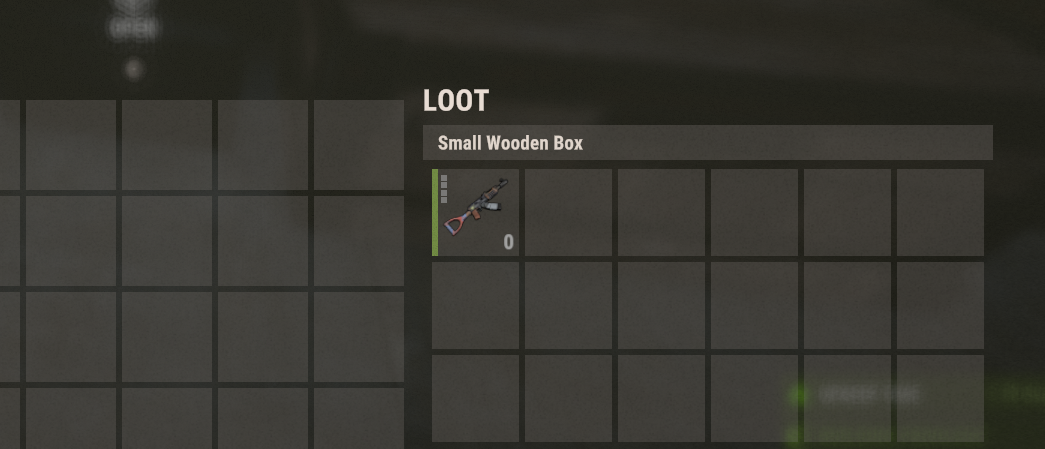
Turns a small wooden box into a loot vacuum that automatically collects nearby dropped items. Great for farms, events, and cleanup automation. Chat Commands /lootvacuum Permission required: lootvacuum.use Description: Toggles loot vacuum mode on the small wooden box you are looking at. Rules & Behaviour: You must be looking at a deployed small wooden box Running the command again disables the vacuum When enabled: Picks up dropped loot within 3 meters Stores loot inside the box automatically When disabled: Vacuum stops Failure messages: "You do not have permission to use this command." "You must look at a small wooden box to use this command." Please open a ticket with plugin name to purchase.
£10.00 · v1.0.0
 RUST PLUGIN
Black jack
Blackjack A full blackjack plugin for Rust (Oxide / uMod). Play against the dealer with real blackjack rules (double down, blackjack payout, configurable dealer stand), or go head-to-head against another player. Configurable currency, animated card table UI, sounds, leaderboard, and offline-safe payouts. Author: carl · Version: 1.0.0 --- Features VS Dealer — hit, stand, and double down against a dealer that plays by configurable rules (stands on 17, optional hit soft 17, multi-deck shoe). VS Player — challenge another online player head-to-head; closest to 21 wins the pot minus a configurable table tax, with a per-turn timer. Three currencies — Scrap (built in), Economics, or ServerRewards. Animated dealing, win/lose/push sounds, chat + on-screen messages. Per-player stats (wins/losses/pushes/blackjacks) and a `/bj top` leaderboard. Offline-safe: stakes and payouts owed to a disconnected player are refunded/settled, with scrap repaid on next login. --- Chat Commands Default command is `/blackjack` with the alias `/bj` (both configurable). Command Description `/blackjack` or `/bj` Open the blackjack table. `/bj accept` Accept a pending challenge from another player. `/bj decline` (or `/bj deny`) Decline a pending challenge. `/bj cancel` Cancel your outgoing challenge (refunds your stake). `/bj toggle` Turn player-vs-player challenges to you on or off. `/bj top` (or `/bj stats`) Show the profit leaderboard (top 10). `/bj help` List the commands. In-table buttons (DEAL, HIT, STAND, DOUBLE DOWN, SEND CHALLENGE, REMATCH, FORFEIT/LOBBY, bet controls) drive `blackjack.*` console commands internally — you don't type those. --- Permissions Permission Grants `blackjack.use` Open the table and play the dealer. `blackjack.pvp` Challenge other players (and be listed as a valid opponent). By default both are granted to the `default` group (toggle in config). Manual grant: ``` oxide.grant group default blackjack.use oxide.grant group default blackjack.pvp ``` --- Configuration File: `oxide/config/Blackjack.json` General Setting Default Description Title `BLACKJACK` Header shown on the table. Command `blackjack` Primary chat command. CommandAlias `bj` Secondary chat command. ChatPrefix `[Blackjack]` Prefix on chat messages. GrantUseToDefaultGroup `true` Auto-grant `blackjack.use` to `default`. GrantPvpToDefaultGroup `true` Auto-grant `blackjack.pvp` to `default`. ChatResultMessages `false` Also print hand results in chat. ChatMatchMessages `false` Print PvP match/challenge status in chat. LogHandsToConsole `false` Log each hand to the server console. BlockWhileBuildingBlocked `false` Prevent play while building blocked. Bet Setting Default Description Currency `Scrap` `Scrap`, `Economics`, or `ServerRewards`. Min / Max `10` / `5000` Bet bounds. Step `25` Bet increment for +/-. Default `100` Starting bet. AllowBetAllIn `true` MAX button uses your balance (up to Max). Dealer Setting Default Description Enabled `true` Enable VS Dealer mode. DeckCount `6` Number of decks in the shoe (1–12). PayoutMultiplier `2.0` Normal win pays bet × this. BlackjackMultiplier `2.5` Natural blackjack pays bet × this (3:2). StandsOn `17` Dealer stands on this total (12–21). HitsSoft17 `false` Dealer hits a soft 17. AllowDoubleDown `true` Allow doubling on the first two cards. CooldownSeconds `2` Delay between hands. MaxHandsPerDay `0` Daily cap per player (`0` = unlimited). AnnounceWinsAbove `0` Broadcast wins with profit ≥ this (`0` = off). PvP Setting Default Description Enabled `true` Enable VS Player mode. TaxPercent `5` House cut taken from the pot. ChallengeTimeoutSeconds `45` How long a challenge waits for a response. TurnSeconds `30` Time limit per turn (auto-stands on timeout). CooldownSeconds `5` Delay between challenges. RequireTargetPermission `true` Target must hold `blackjack.pvp`. AllowTeammates `true` Allow challenging teammates. CursorPopupForTarget `false` Show a cursor popup to the challenged player. ResultHoldSeconds `25` How long the finished match stays on screen. BroadcastResults `false` Announce PvP results to everyone. AnnounceWinsAbove `0` Broadcast PvP wins above this profit. Also configurable: cards (suit symbols, face/back colors, red/black suit colors, deal speed), sounds, theme colors / background image (optional ImageLibrary), and CurrencyNames (display labels for each currency). --- How PvP Plays Head-to-head is turn-based with a per-turn timer: players take turns hitting or standing, and when both are done the higher hand (closest to 21 without busting; natural blackjack beats a plain 21) wins the pot minus the table tax. A push returns both stakes. Leaving mid-hand forfeits to your opponent. --- Economy Integrations Scrap — built in, no dependency. Economics — install the Economics plugin, set `Currency` to `Economics`. ServerRewards — install ServerRewards, set `Currency` to `ServerRewards`. Stakes are taken when a hand/challenge starts and paid on result. If a player is offline when a payout is due, Economics/ServerRewards settle by their ID and scrap is stored and repaid on next login. --- Notes A player can't start a dealer hand while they have a pending PvP challenge (prevents a table being stranded when the challenge is accepted). If your card suit symbols show as blank boxes in-game, set `Cards.SuitSymbols` to `["S","H","D","C"]` (some Rust fonts don't include ♠♥♦♣ glyphs). Stats and owed payouts persist in `oxide/data/Blackjack.json`.
£9.99 · vv1.0.1
 RUST PLUGIN
Blood Overlay
Adds a blood screen overlay that scales with player health. The lower the health, the stronger the visual effect, enhancing immersion and combat feedback. Permissions bloodoverlay.use Starts showing when player HP drops below configured HP Scales Effect intensity as HP decreases Fully removed when: HP reaches configured amount default = 50 healing with meds/food Player respawns Please open a ticket with plugin name to purchase.
£9.99 · v1.0.1
 RUST PLUGIN
Coin Flip
Coin Flip A polished coin-flip gambling plugin for Rust (Oxide / uMod). Bet against the house on a 50/50 (with a configurable edge and payout), or challenge another player head-to-head. Fully configurable currency, payouts, animated coin UI, sounds, leaderboard, and offline-safe payouts. Author: carl · Version: 1.0.0 --- Features VS Server — flip against the house with a configurable win chance, payout multiplier, cooldown, and optional daily limit. VS Player — challenge another online player; winner takes the pot minus a configurable table tax. Three currencies — Scrap (built in), Economics, or ServerRewards. Animated flipping coin, win/lose sounds, chat + on-screen result popups. Per-player stats and a `/cf top` profit leaderboard. Offline-safe: fares/payouts owed to a disconnected player are settled on their next login. --- Chat Commands Default command is `/coinflip` with the alias `/cf` (both configurable). Command Description `/coinflip` or `/cf` Open the coin flip menu. `/cf accept` Accept a pending challenge from another player. `/cf decline` (or `/cf deny`) Decline a pending challenge. `/cf cancel` Cancel your outgoing challenge (refunds your stake). `/cf toggle` Turn player-vs-player challenges to you on or off. `/cf top` (or `/cf stats`) Show the profit leaderboard (top 10). `/cf help` List the commands. The in-menu buttons (side selection, bet +/-, MAX, FLIP, SEND CHALLENGE, etc.) drive `coinflip.*` console commands internally — you don't need to type those. --- Permissions Permission Grants `coinflip.use` Open the menu and flip against the server. `coinflip.pvp` Challenge other players (and be listed as a valid opponent). By default both are granted to the `default` group (toggle in config). Manual grant: ``` oxide.grant group default coinflip.use oxide.grant group default coinflip.pvp ``` --- Configuration File: `oxide/config/CoinFlip.json` General Setting Default Description Title `COIN FLIP` Header shown on the menu. Command `coinflip` Primary chat command. CommandAlias `cf` Secondary chat command. ChatPrefix `[Coin Flip]` Prefix on chat messages. GrantUseToDefaultGroup `true` Auto-grant `coinflip.use` to `default`. GrantPvpToDefaultGroup `true` Auto-grant `coinflip.pvp` to `default`. LogFlipsToConsole `false` Log each flip to the server console. ChatResultMessages `false` Also print win/lose results in chat. BlockWhileBuildingBlocked `false` Prevent play while building blocked. Bet Setting Default Description Currency `Scrap` `Scrap`, `Economics`, or `ServerRewards`. Min / Max `10` / `5000` Bet bounds. Step `25` Bet increment for +/-. Default `100` Starting bet. AllowBetAllIn `true` MAX button uses your balance (up to Max). Server Game Setting Default Description Enabled `true` Enable VS Server mode. WinChancePercent `47.5` Player win chance (house edge below 50%). PayoutMultiplier `2.0` Win pays bet × this (2.0 = double). CooldownSeconds `3` Delay between flips. MaxFlipsPerDay `0` Daily cap per player (`0` = unlimited). AnnounceWinsAbove `0` Broadcast wins with profit ≥ this (`0` = off). PvP Setting Default Description Enabled `true` Enable VS Player mode. TaxPercent `5` House cut taken from the pot. ChallengeTimeoutSeconds `45` How long a challenge waits for a response. CooldownSeconds `5` Delay between challenges. RequireTargetPermission `true` Target must hold `coinflip.pvp`. AllowTeammates `true` Allow challenging teammates. CursorPopupForTarget `false` Show a cursor popup to the challenged player. ResultPopupSeconds `7` How long the result popup stays. BroadcastResults `true` Announce PvP results to everyone. AnnounceWinsAbove `0` Broadcast PvP wins above this profit. Also configurable: coin faces (display name, item icon, skin, image URL, colors), sounds, theme colors / background image (optional ImageLibrary), and CurrencyNames (display labels for each currency). --- Economy Integrations Scrap — built in, no dependency. Economics — install the Economics plugin, set `Currency` to `Economics`. ServerRewards — install ServerRewards, set `Currency` to `ServerRewards`. Bets are taken up front (escrow) and paid on result. If a player is offline when a payout is due, Economics/ServerRewards settle by their ID and scrap is stored and repaid on next login. --- Notes Win chance under 50% + a 2× payout is the house edge — tune `WinChancePercent` and `PayoutMultiplier` to set your margin. A player can't flip the server while they have a pending PvP challenge (prevents a payout conflict). Stats and owed payouts persist in `oxide/data/CoinFlip.json`.
£9.99 · v1.0.0
 RUST PLUGIN
Fishing Net
Deploy a fishing net from your player boat to passively collect fish and ocean loot over time. The net fills up between collection intervals and has limited durability uses before it breaks. Leave it out too long and sharks may come knocking — the fuller the net, the higher the chance. Loot tables are fully configurable, including a custom loot pool with skin support. Permissions fishingnet.use Allows the player to craft, deploy, and collect from fishing nets. Chat Commands /mynet Opens (or closes) the fishing net UI craft, deploy, retract, and collect all from one panel. Crafting Requires a Workbench Level 3 nearby. Rope x4 Cloth x30 Scrap x25
£9.99 · v1.0.0
 RUST PLUGIN
Locker Link
Gives players a personal locker they can open from anywhere with a command no placing required. Optionally, players can link a locker they've physically placed in their base and access that remotely instead, so they choose how they want to use it you can even link this with storage adapters to your auto sorter. Features Virtual portable locker per player, opened anywhere via command Link a real placed locker with /ll /locker then remote-opens that locker; run /ll on it again to unlink and items move back Full data persistence locker contents survive restarts, plus a separate human-readable JSON backup written every save cycle so items can always be restored by an admin if anything ever goes wrong Group-based cooldowns set a cooldown for default players and 0 for VIP tiers; lowest value across a player's groups wins Optional wipe-on-death and wipe-persistence, per group NoEscape support (block use while combat/raid blocked), building-block restriction option, open sound effect toggle Linked lockers survive restarts and auto-unlink (with a chat notice) if destroyed links clear on map wipe Chat Commands /locker — open your portable (or linked) locker /ll — link/unlink the placed locker you're looking at (must be yours) /locker <name/steamid> — (admin) view another player's locker /restorelocker <steamid> — (admin) restore a player's items from backup Console Commands locker — open (works for players via F1) lockerlink.restore <steamid> — restore from backup via RCON/console Permissions lockerlink.use — required to use the locker at all lockerlink.admin — view other players' lockers + restore Config highlights OpenCommand, LinkCommand, RestoreCommand — all command names changeable AllowVirtualLocker / AllowPhysicalLocker — enable either mode or both GroupCooldowns — e.g. "default": 30.0, "vip": 0.0 GroupWipeOnDeath, GroupServerWipePersistent — per-group death wipe and wipe survival All chat messages editable via Phrases
£9.99 · v1.0.0
 RUST PLUGIN
Server Bridge Hud Button
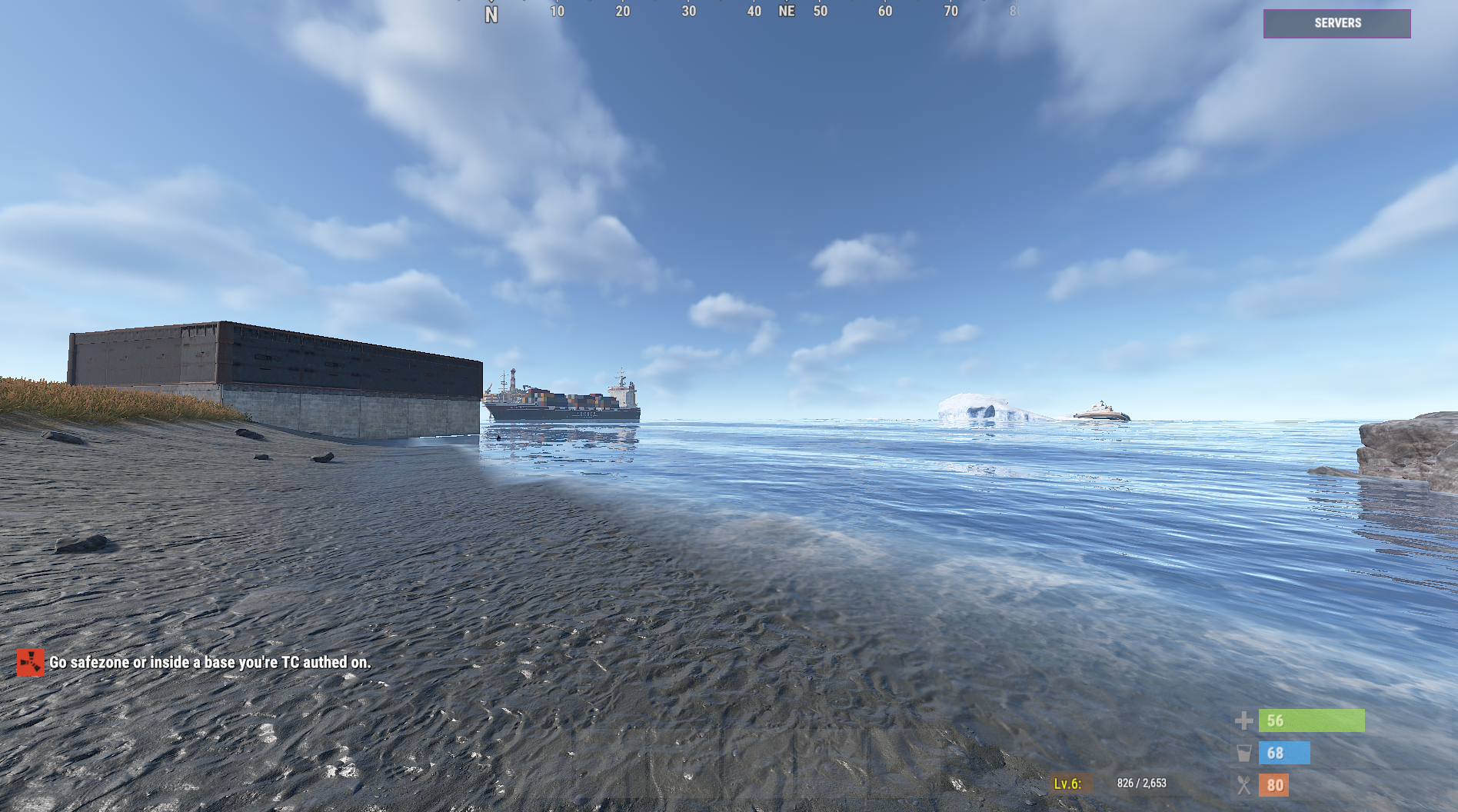
Displays a floating HUD button that opens ServerBridge only when conditions are met, such as being in a safe zone or TC authorised. Fully configurable with permissions and safety checks. Permission serverbridgehudbutton.use Purpose: Allows the HUD button to appear and be usable. Permission serverbridgehudbutton.admin Purpose: Grants admin bypass access. Bypasses: Safe zone / TC checks Raid block checks State checks (dead, wounded, mounted, swimming) Please open a ticket with plugin name to purchase.
£9.99 · v1.0.2
 RUST PLUGIN
Slot Machine
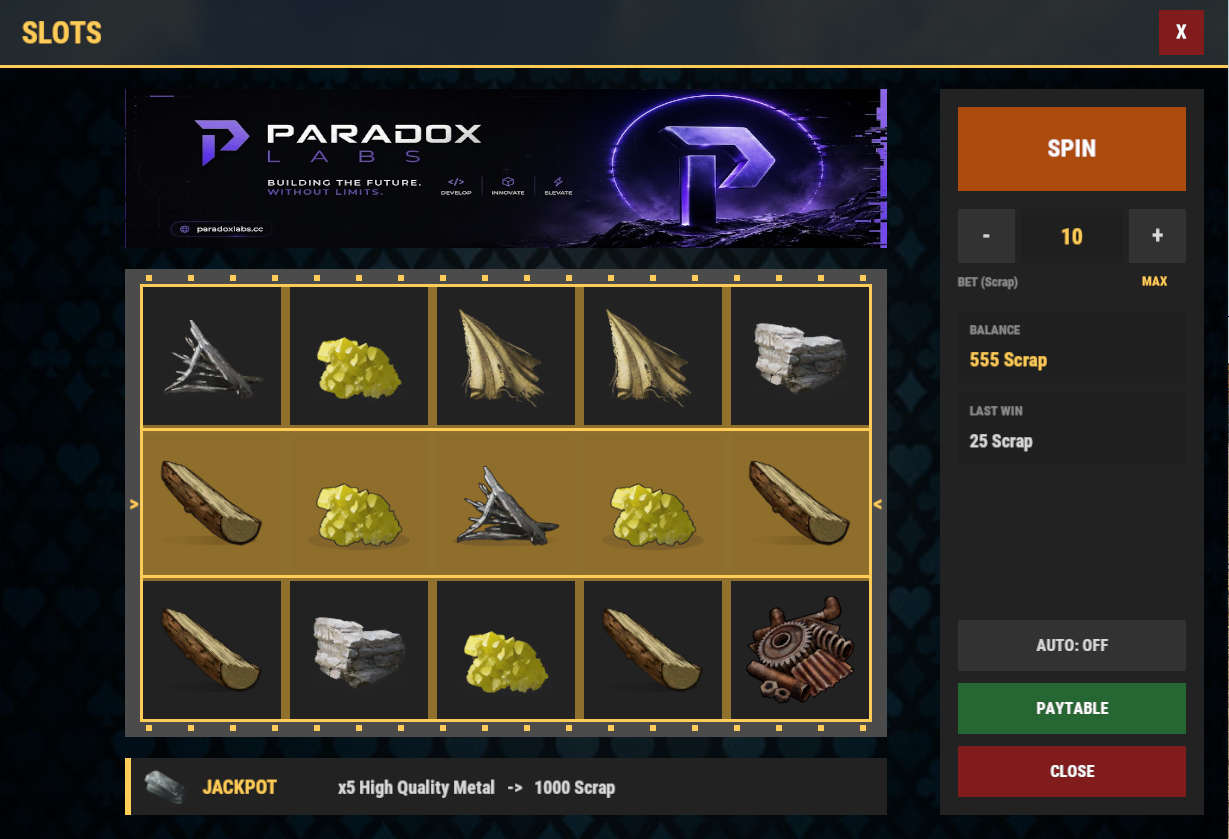
Slot Machine — Fully Configurable Casino Slots UI Give your players a real casino experience without leaving the game. Slot Machine adds a polished, fully animated slot machine UI to your Rust server — open it with a chat command, bet scrap (or any economy), and spin for item and currency payouts you control completely. ✨ What It Does Players type /slots (command is configurable) and get a beautiful full-screen slot machine with animated reels, staggered reel stops, spin sounds, win effects, and a live-updating sidebar with their balance, bet, and last win. Winning combinations are matched along the payline and paid out instantly — either as a currency multiplier on their bet or as a physical item dropped into their inventory. 🎯 Key Features 🎨 Fully Skinnable & Themeable Complete color theme control — background, panels, accents, buttons, payline tint, win highlights Custom background image and header banner via URL (optional ImageLibrary caching) Adjustable title text — brand it for your server Uses real Rust casino sound effects (spin, reel stops, win, jackpot) — all configurable or fully off 🎰 Configurable Machine, Not Just a Reskin Grid size is up to you: 3–7 reels × 1–5 rows Symbols are any Rust item — including custom skin IDs and display names Weighted odds per symbol: you decide exactly how rare each symbol is Match-3, match-4, match-5 (and beyond) payout tiers, each with its own reward 💰 Four Currency Systems Supported Scrap (works out of the box, no dependencies) Economics ServerRewards (RP) Custom Points — built-in persistent point balance stored by the plugin Bet and reward currencies configured independently — bet scrap, win RP, or mix per payout rule 🎁 Item Jackpots Any payout tier can award a physical item instead of currency — amount, skin ID, and custom name included Automatic jackpot banner shows off your top prize above the reels, with a dedicated jackpot sound when someone hits it 🕹️ Quality of Life Built In Auto-spin — toggles off automatically when the balance runs dry Live paytable — players see exact payouts calculated at their current bet Bet controls with min / max / step and a MAX bet button, all configurable Balance and last-win display, always current Safe handling on disconnect and plugin unload — no stuck timers, no lost UI 🔒 Simple Permissions Single slotmachine.use permission, optionally auto-granted to the default group — installs ready-to-play ⚙️ Setup Drop SlotMachine.cs into your plugins folder Tweak the generated config (symbols, weights, payouts, theme, bet limits) That's it — sensible resource-themed defaults included (wood → HQM tiers, scrap betting) Optional integrations: Economics, ServerRewards, ImageLibrary — all soft dependencies, nothing required.
£9.99 · vv1.1.1
 RUST PLUGIN
GasStation
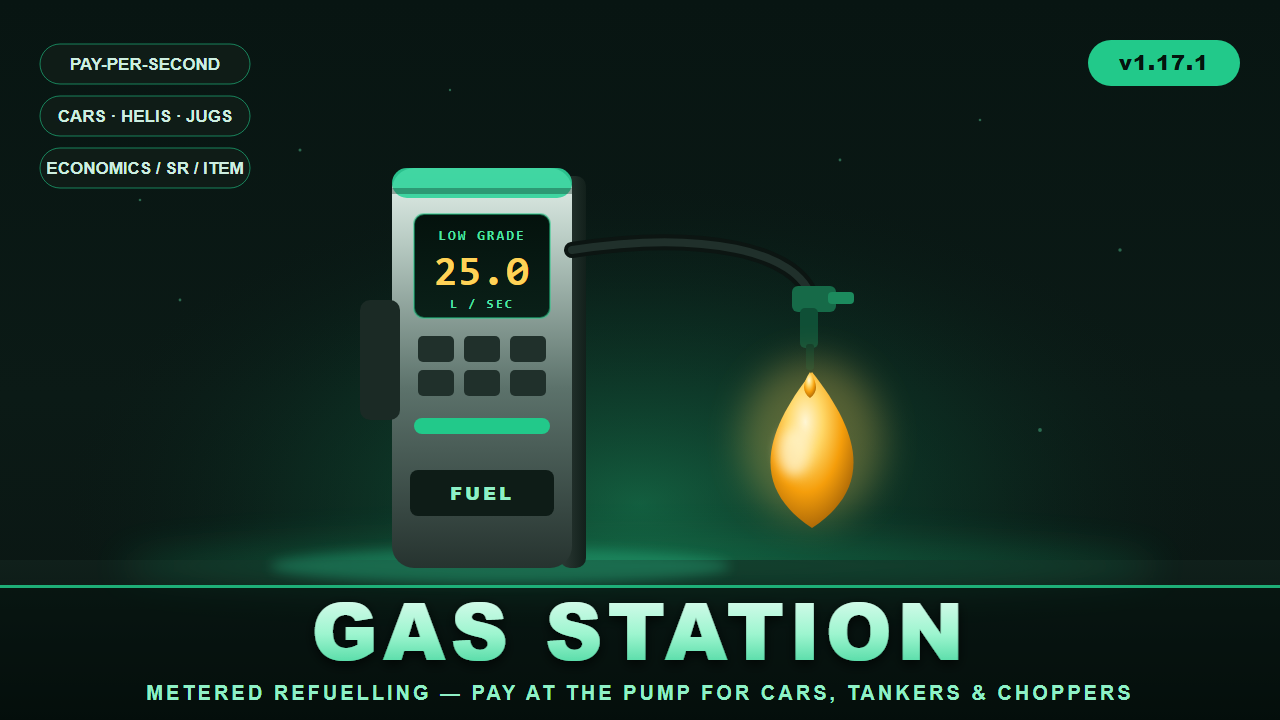
⛽ GasStation Working fuel pumps at every gas station monument. GasStation turns the pumps at Rust's gas station monuments into real, metered refuelling points. Players pull up in a modular car, hop on a bike, land a minicopter, or even walk up with a jug — press one button, pick their fuel, and pay by the second while the pump fills the tank in real time. When the tank's full or the wallet runs dry, it stops on its own and refunds anything it couldn't deliver. Pumps are found automatically — the plugin locates gas station monuments and auto-detects their pump props, so it works out of the box on wiped maps and custom maps alike, with a full admin toolkit to fine-tune positions when you want to. ✨ Features ⏱️ Metered, pay-per-second billing — players are charged live as fuel flows, with unused charges refunded if the tank fills mid-pump 🚗 Wide vehicle support — modular cars (fuel tank and tanker fuel-tank modules), plus minicopters, attack helis, scrap transport helis, motorbikes, sidecars, and snowmobiles (all configurable) 🧴 On-foot jug refuelling — fill water jugs, bota bags, and buckets with water, crude, or low grade fuel without a vehicle at all ⛽ Fully configurable fuel types — Low Grade, Crude Oil, Water, and jug variants out of the box; set delivery rate, price, max run-time, target tank, colour, and per-fuel permission for each 💰 Three currency modes — Economics, ServerRewards points, or any item (scrap by default); currency can even be overridden per fuel 🏷️ Permission discounts — e.g. gasstation.vip = 25% off (add as many tiers as you like), plus free-fuel permission and optional free-for-admins 🖥️ Clean in-game UI — a pump prompt, fuel-selection menu, and a live progress bar showing units delivered and money spent; press again to stop 🎯 Auto pump detection — finds gas station monuments (MonumentFinder supported, terrain fallback) and their pump props automatically, rebuilding on wipe 🛠️ Full admin toolset — scan, auto-add, manually place/remove pumps, list, visualize, teleport between stations, and inspect vehicles 🎛️ Tunable behaviour — detection radius, facing requirement, activation button (SPACE / E / R / SHIFT / CTRL), remount handling, lock-while-filling, stop-on-leave, and more ⌨️ Player experience Drive/walk up to a station pump → a "FUEL PUMP — press [SPACE]" prompt appears Press the button → the fuel menu opens with prices and your balance Pick a fuel → the pump fills your tank while a progress bar tracks units and cost Press again (or fill up / run out) → it stops and reports what you got 🛠️ Admin commands (/gasstation) near, stations, tp <n>, scan [filter], autoadd [filter], add, remove, list, show, wipe, modules, reload — everything you need to set up and debug pumps on any map. 🔐 Permissions gasstation.use — use the pumps gasstation.admin — setup/admin commands gasstation.free — refuel for free gasstation.vip (and any discount tiers you add) — percentage discounts Optional per-fuel permissions 🧩 Dependencies (all optional) Economics and/or ServerRewards — for currency (item mode needs neither) MonumentFinder — recommended for reliable monument/pump detection ImageLibrary — only if you want a custom prompt image Version 1.17.1 · by carl
£7.99 · v1.17.1
 RUST PLUGIN
Electric Furnace
ElectricFurnace turns a vanilla large furnace into an Electric Furnace that runs on electricity instead of wood. Going electric spawns a real IO node (Electrical Branch) on the furnace, wire any power source into its input and unused power passes straight through the output. If power ever stops reaching it, the furnace falls back to burning wood until power is restored. Get one by upgrading an existing furnace with a hammer, or via an admin-only command that places one wherever you're looking, and it all survives server restarts. Permissions electricfurnace.use lets you hit with a hammer to upgrade a normal furnace. electricfurnace.craft lets you use /efcraft. ADMIN USE ONLY, places the furnace wherever you're looking, do not give this to regular players. electricfurnace.admin bypasses cost/limits with config, unlocks /efmove and /effix Getting one /efcraft — pays the configured cost and places an Electric Furnace in front of you, wherever you're currently looking. ADMIN USE ONLY! Use hammer hit a normal Large furnace the configured number of times (default 5) to upgrade it in place. Limits Default is 5 Electric Furnaces per player, but it's configurable. Once a player hits the limit, a chat message lets them know and placing/upgrading stops until they're under it again. Cost Fully configurable, supports 5 payment methods that can be mixed and matched: ServerRewards, Economics, Scrap, a custom item, or a set of raw resources. Chat Commands (admin) /efcraft Admin only. Crafts and places an Electric Furnace wherever you're looking, for the configured cost. /efmove <x> <y> <z> Admin only. Look at an Electric Furnace to reposition its IO node, the new offset is saved as the default going forward. /effix [rebuild] [orphans] Admin only. Re-attaches or fully rebuilds IO nodes on all tracked furnaces, and can optionally clean up leftover orphan nodes.
£7.49 · v1.0.0
 RUST PLUGIN
Electric Refinery
ElectricRefinery turns a vanilla small oil refinery into an Electric Refinery that runs on electricity instead of wood. Going electric spawns a real IO node (Electrical Branch) on the refinery, wire any power source into its input and unused power passes straight through the output. If power ever stops reaching it, the refinery falls back to burning wood until power is restored. Get one by upgrading an existing refinery with a hammer, or via an admin-only command that places one wherever you're looking, and it all survives server restarts. Permissions electricrefinery.use lets you hit with a hammer to upgrade a normal refinery. electricrefinery.craft lets you use. /ercraft. ADMIN USE ONLY, places the refinery wherever you're looking, do not give this to regular players. electricrefinery.admin bypasses cost/limits with config, unlocks /ermove and /erfix Getting one /ercraft — pays the configured cost and places an Electric Refinery in front of you, wherever you're currently looking. ADMIN USE ONLY! Hammer hit a normal refinery the configured number of times (default 5) to upgrade it in place. Limits Default is 5 Electric Refineries per player, but it's configurable. Once a player hits the limit, a chat message lets them know and placing/upgrading stops until they're under it again. Cost Fully configurable, supports 5 payment methods that can be mixed and matched: ServerRewards, Economics, Scrap, a custom item, or a set of raw resources. Chat Commands admin /ercraft Admin only. Crafts and places an Electric Refinery wherever you're looking, for the configured cost. /ermove <x> <y> <z> [yaw] Admin only. Look at an Electric Refinery to reposition its IO node, the new offset is saved as the default going forward. /erfix [rebuild] [orphans] Admin only. Re-attaches or fully rebuilds IO nodes on all tracked refineries, and can optionally clean up leftover orphan nodes.
£7.49 · v1.0.0
 RUST PLUGIN
Flipped Turrets
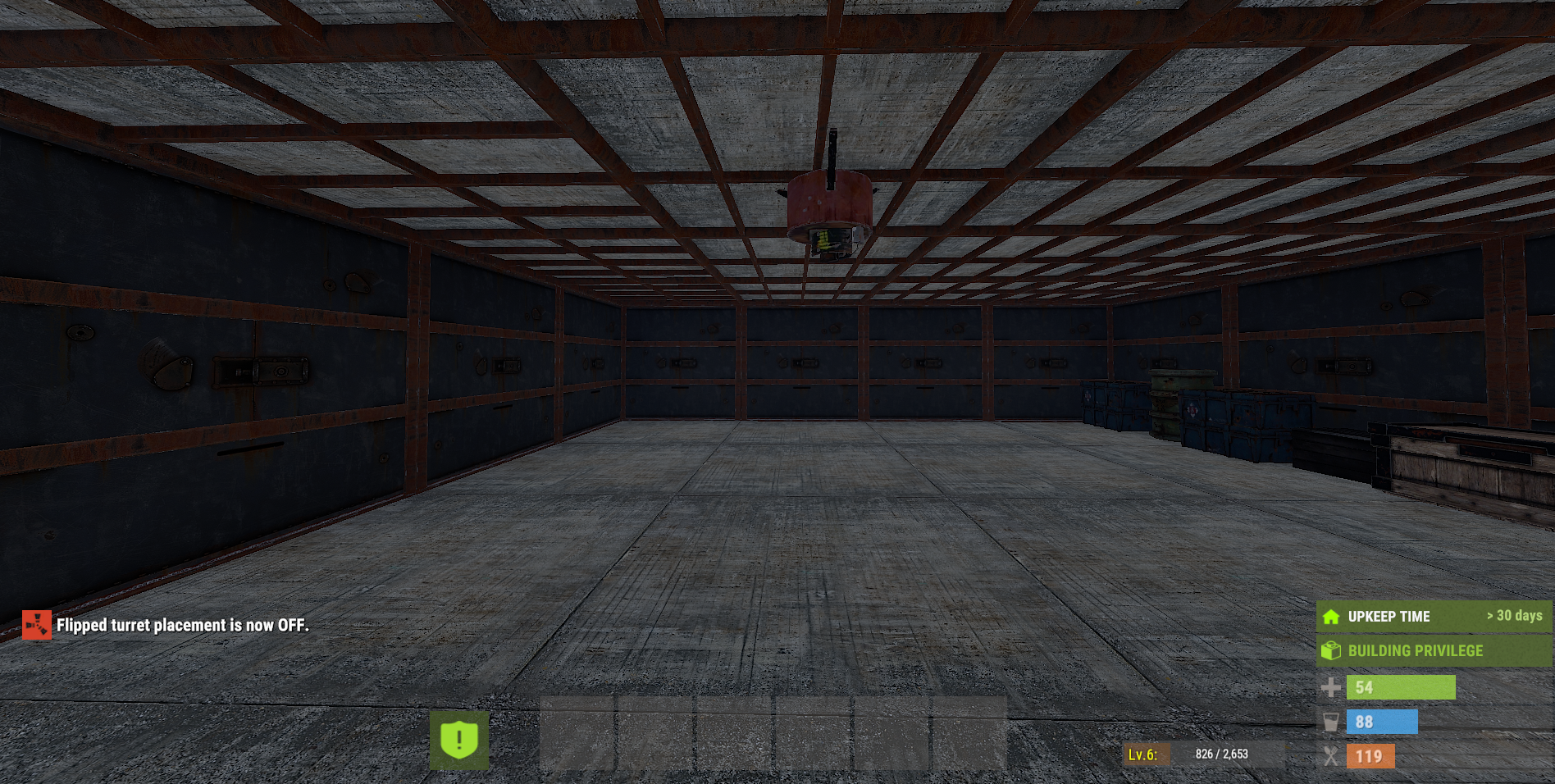
Allows players to place auto turrets upside down using a toggle command. Ideal for creative base designs and advanced defence setups, with permission support and limits of 50. Can be given to default group or VIP. Chat Commands /flipped Permission required: flippedturrets.vip Description: Toggles flipped turret placement ON / OFF for the player. "Flipped turret placement is now ON." "Flipped turret placement is now OFF." "You need VIP access to use this command." (if no permission) placement: Must be standing on the ceiling and placed for the auto turret to flip underneath. Please open a ticket with plugin name to purchase.
£6.99 · v1.0.2
 RUST PLUGIN
WaterWheelJail
WaterWheelJail locks players inside a spinning water wheel as punishment. While jailed, walking reduces your remaining time but stand still or try escape and it goes up. Admins can set preset jail locations, equip players with a jail outfit, and the plugin survives server restarts, picking up exactly where it left off. No locations is needed its optional default time is 60s Full access: jail, unjail, view jail list, and set jail locations. Permissions waterwheeljail.admin Moderator access: same jail/unjail powers as admin just cant set/clearn locations. Permissions waterwheeljail.mod Jail a player for a set duration. Defaults to 60s if no time given. Chat Commands /jail <player> [seconds] "reason" Immediately release a jailed player. /unjail <player> View all currently jailed players and their remaining time. /jaillist Manage preset jail spawn locations. Mark spots with add, then save to lock them in. /setjail <add|save|clear|list>
£6.99 · vv1.3.0
 RUST PLUGIN
AutoCycle
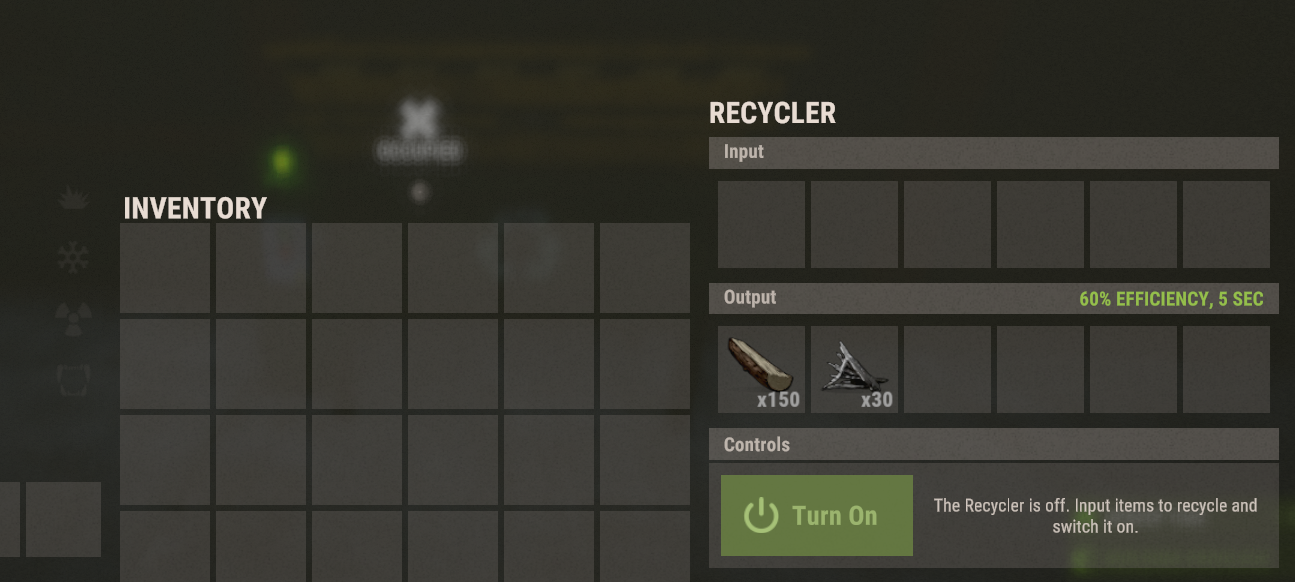
AutoCycle automatically turns on a recycler when a recyclable item is added recycling faster and fully automatic without pressing the button. Players can toggle the feature on or off for themselves. Chat Commands /autorec Description: Toggles AutoCycle ON / OFF for the player. When enabled: Any recycler will automatically start when items are added When disabled: Recyclers behave normally for that player Toggle is remembered while the server is running Player chat message displayed: Auto Recycler is now enabled for you. Auto Recycler is now disabled for you. Permissions: None plug-in and play. Please open a ticket with plugin name to purchase.
£5.00 · v1.1.2
 RUST PLUGIN
Box Labels
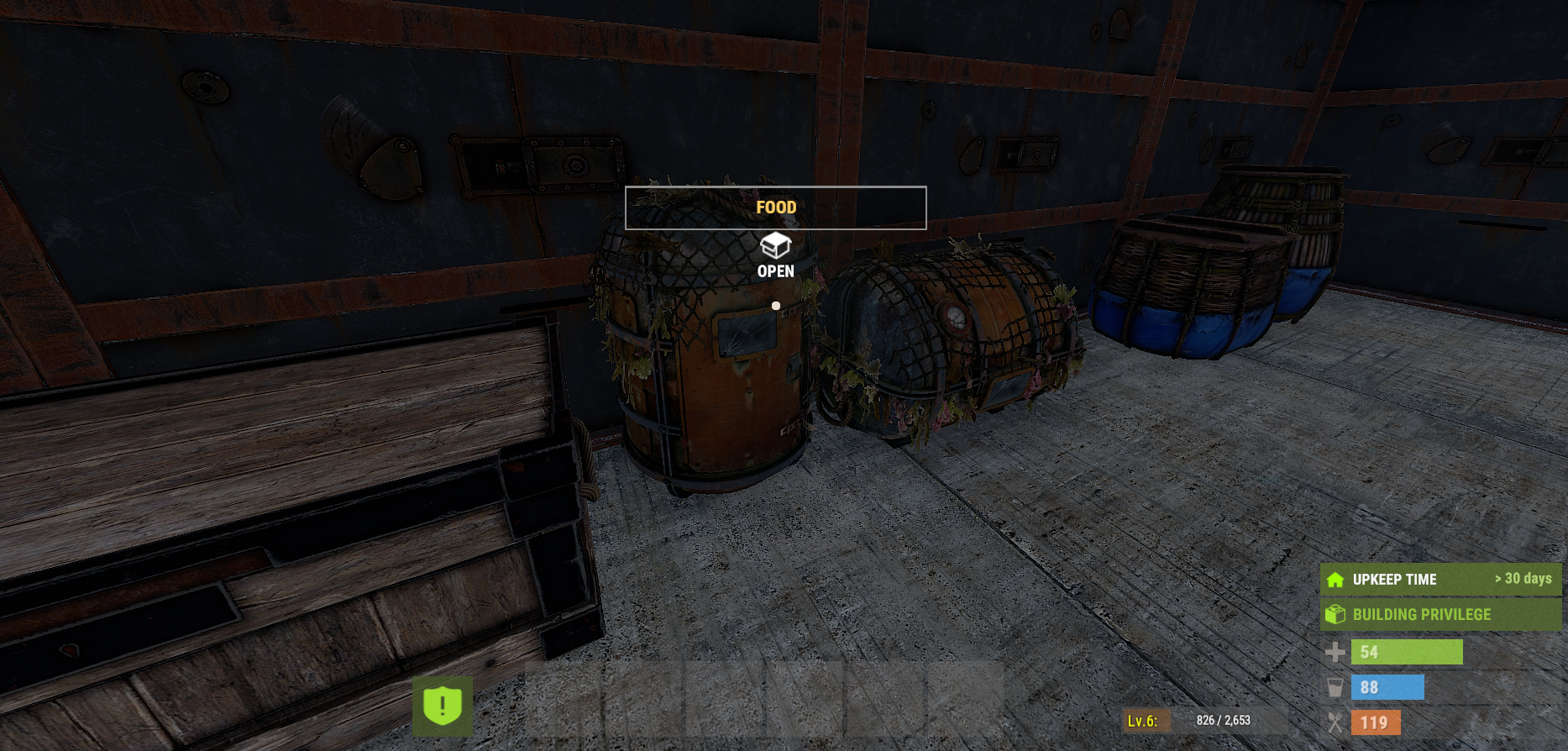
BoxLabels displays a on screen label when a player looks at a player placed storage container. The label automatically detects the dominant item category inside the box (ORE, COMPS, AMMO, etc.), applies a custom colour, and can optionally show item or category counts. Labels respect building privilege, locks, distance, and line of sight, making it ideal for organised bases without revealing loot to unauthorised players. Permissions boxlabels.use Allows the player to use BoxLabels and see container labels. boxlabels.admin Reserved for admin boxlabels.bypasslocks Allows the player to see labels on locked containers even if they are not authorised on the lock. Chat Commands This is a toggle for players to turn it off and on /bl
£5.00 · v1.0.0
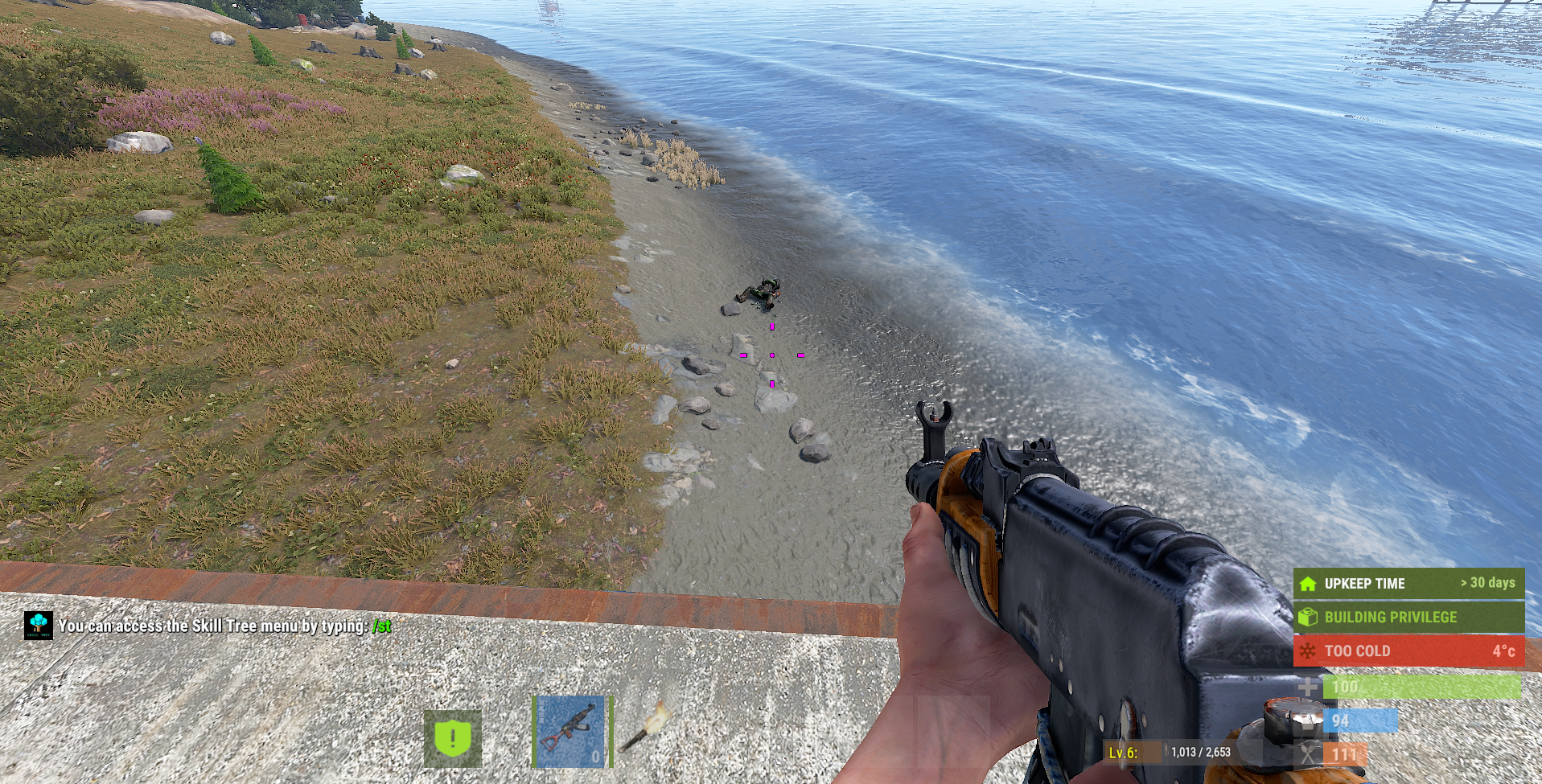 RUST PLUGIN
Npc Death Grenades
NpcDeathGrenades adds a dangerous twist to NPC combat by giving human NPCs a configurable chance to drop live F1 grenades when they die. When a human NPC is killed, the plugin rolls a chance (using simple step values from 0–100%) and, if successful, spawns one or more armed grenades at the NPC’s death position
£3.00 · v1.0.1