LAB/05 — INVENTORY
Products
Plugins are sold by independent developers, who handle their own refunds and support. Terms · Privacy
JUST SHIPPED
PlayerRanches
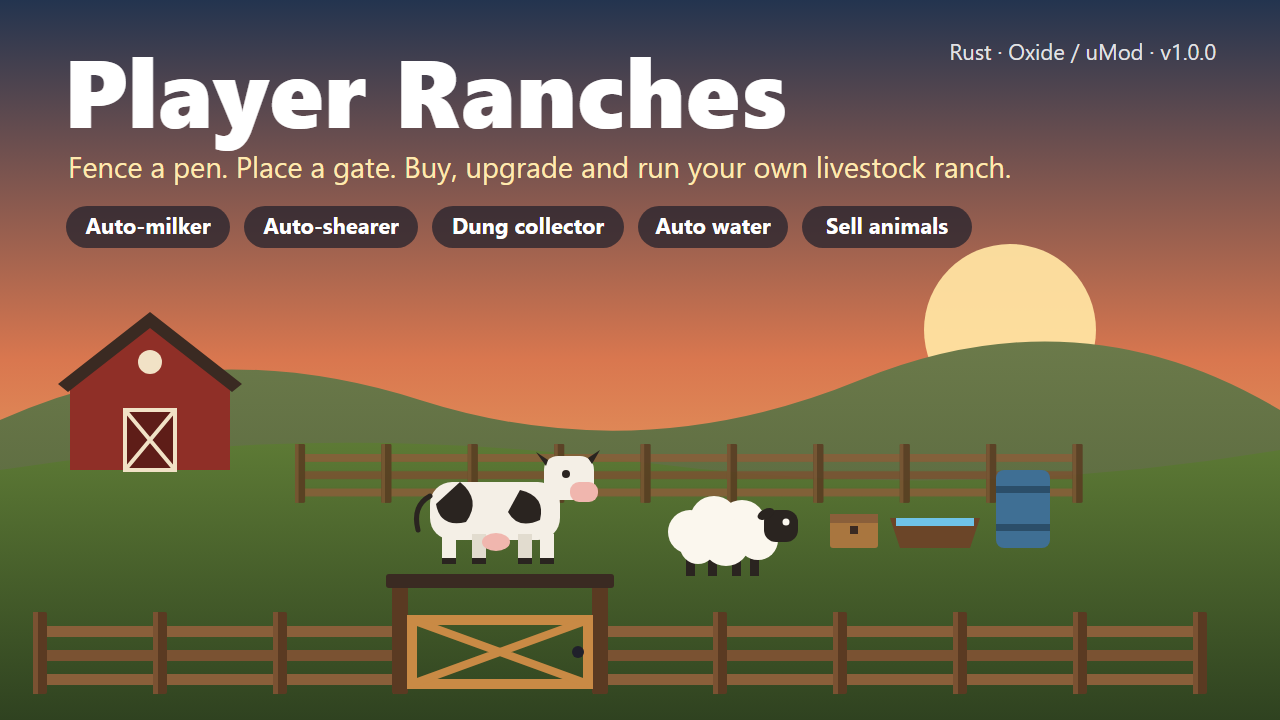
**Player-built livestock ranches for Rust. Fence a pen, place a gate, then buy and upgrade it from a UI.** | | | |---|---| | Version | 1.0.0 | | Author | Crtcarl | | Platform | Oxide / uMod (Rust) | | Optional plugins | Economics, ServerRewards, Clans, TruePVE, EntityScaleManager | Player Ranches turns the vanilla animal fence into a real ranch. A player builds a closed pen with animal fences and an animal fence gate. The plugin detects the pen, the player buys it, and a feeding and water station appears inside. Livestock led into the pen are registered to the ranch and protected. Upgrades add more animal slots, automatic water, and automatic milk, wool and dung collection. ## Features - **Build it yourself** - no admin setup and no fixed zones. Any closed pen made from animal fences with a gate becomes a ranch. - **Automatic pen detection** - the plugin finds the fence loop, measures the area, and tells the player what is wrong if the pen is not closed (for example, where the gap is). - **Ranch UI** - buy, upgrade, manage the herd, sell animals, and manage access, all from one panel. - **Tiers** - Basic, Standard and Premium by default. Each tier sets the animal cap and unlocks add-ons. Tiers are fully configurable. - **Ranch station** - a hitch and trough, a water barrel, and a ranch box are placed inside the pen. - **Auto water** - on the Premium tier a powered pump keeps the barrel and the trough full of fresh water. - **Auto-milker** - milks ready cows and puts the milk in the ranch box. - **Auto-shearer** - shears sheep and puts the wool in the ranch box. - **Dung collector** - collects dung into the ranch box. - **Animal protection** - ranch animals only take damage from the owner, team, clan and authorized players. Other players cannot lead them away. - **No fence decay** - ranch fences and gates do not decay. - **Sell to the server** - sell animals at livestock vendor prices, or for the plugin currency. - **Sell or gift to players** - offer an animal to another player for a price, with an accept or decline popup. - **Shared access** - team members, clan members, and up to 8 authorized players can use a ranch. - **Homed animals** - ranch animals stay homed to the pen and roam near its centre. - **Births** - newborns join their mother's ranch. - **Currency** - any item (default scrap), Economics, or ServerRewards. - **Admin panel** - list all ranches, view one, teleport to it, show its outline, re-check it, move or rebuild its station, or remove it. ## Requirements - Oxide / uMod for Rust. - The plugin uses Harmony patches (included with Oxide). Optional: | Plugin | Used for | |---|---| | Economics / ServerRewards | Currency for buying, upgrading and selling. | | Clans | Clan members share ranch access. | | TruePVE | Protects the ranch station (no damage, members-only looting). Without TruePVE, anyone can break and open the station like any other box. | | EntityScaleManager | Scales the water pump model down. Without it the pump is full size. | ## Installation 1. Copy `PlayerRanches.cs` into `oxide/plugins/`. 2. The plugin creates `oxide/config/PlayerRanches.json` on first load. 3. Edit the config if needed, then reload: ``` oxide.reload PlayerRanches ``` ## Permissions | Permission | Purpose | |---|---| | `playerranches.use` | Use the player command. Only checked when `Require playerranches.use permission` is `true` in the config. | | `playerranches.admin` | Use the admin command and admin panel. | | `playerranches.vip` | Example limit permission. Lets the player own 2 ranches. Add more limit permissions in the config. | ## How it works for players 1. Build a pen from **animal fences** and add an **animal fence gate**. 2. A popup appears when the gate is detected. It says if the pen is closed or what is missing. 3. Type `/myranch` and buy the ranch (50 scrap by default). 4. A trough and water barrel are placed inside the pen. 5. Lead livestock into the pen. Each animal is registered to the ranch, up to the tier's animal cap. 6. Upgrade the ranch and buy add-ons in the UI. Produce goes into the ranch box. ## Player commands The command name can be changed in the config. | Command | Purpose | |---|---| | `/myranch` | Open the ranch UI. Opens straight onto the ranch you are standing in. | | `/myranch accept` | Accept an animal offer from another player. | | `/myranch decline` | Decline an animal offer. | ## Admin commands | Command | Purpose | |---|---| | `/aranch` | Open the admin panel. | | `/aranch here` | Open the admin panel on the ranch you are standing in. | | `/aranch rescanall` | Re-check every ranch pen. | | `/aranch pump` | Show the status of the pump where you stand. | | `/aranch station` | Show the station layout and its usage. | | `/aranch station <barrel\|pump\|box> <x> <y> <z> [yaw]` | Move a station part. | | `/aranch station trough <yaw>` | Set the trough yaw. | | `/aranch station scale <n>` | Set the pump scale. | | `/aranch station gap <m>` | Set the distance from the fence. | | `/aranch station height <m>` | Set the station height. | | `/aranch station rebuild` | Rebuild the station on all ranches. | The ranch outline in the admin panel uses `ddraw`, so it only shows for players with the admin flag. ## Default tiers | Tier | Upgrade cost | Animal cap | Unlocks | |---|---|---|---| | Basic | Included with purchase | 4 | Trough, water barrel | | Standard | 100 | 8 | Ranch box, auto-milker | | Premium | 250 | 14 | Auto-shearer, dung collector, powered water pump | Add-on prices: auto-milker 100, auto-shearer 100, dung collector 75. ## Configuration The config file is `oxide/config/PlayerRanches.json`. | Section | Controls | |---|---| | Commands | Player and admin command names. | | General | Chat prefix, ranch limit per player, limit permissions, buy price, maximum authorized players, team and clan sharing, popup, animal scan interval, roam radius. | | Pen detection | Gate and fence prefabs, search radius, minimum and maximum fence pieces, minimum and maximum pen area, gap tolerances. | | Currency | Type (`Item`, `Economics`, `ServerRewards`), item shortname, display name. | | Harvesting | Milk and wool check interval, ranches processed per second, add-on prices, tame-only rules. | | Protection | Animal damage rules, neglect damage, leading block, admin bypass, fence decay, station rebuild delay. | | Ranch fixtures | Trough, pump and box prefabs, station layout, water tick rates. | | Selling animals to the server | On/off, price multiplier, currency payout, who can sell. | | Selling / giving animals to players | On/off, price buttons, offer expiry. | | Tiers | Name, upgrade cost, animal cap and unlocks for each tier. | Key defaults: | Setting | Default | |---|---| | Buy price | 50 scrap | | Max ranches per player | 1 (2 with `playerranches.vip`) | | Max authorized players per ranch | 8 | | Pen area | 20 to 1600 square metres | | Fence pieces | 4 to 200 | | Milk and wool check interval | 600 seconds | | Milker and shearer need tame animals | true | | Station rebuild after it is destroyed | 300 seconds | | Offer expiry | 120 seconds | ## Notes - If a pen is opened (a fence is removed or destroyed), new animals do not register and collecting pauses until the pen is closed again. - If two ranches' fences connect, the ranches merge into one. - If the owner is offline when an animal sale pays out, the owner is paid on the next `/myranch`. ## Localization All player messages are in the Oxide lang file (`oxide/lang/en/PlayerRanches.json`) and can be translated.
£19.99 · v1.4.5
CableCars
# CableCars  **Admin-built aerial cable car lines for Rust servers.** | | | |---|---| | Version | 1.4.0 | | Author | Crtcarl | | Platform | Oxide / uMod (Rust) | | Optional plugins | Economics, ServerRewards, SignArtist | CableCars lets an admin build working cable car lines anywhere on the map. A line runs between two end stations, with optional middle stations and lattice towers. Players walk up to a car in a station, press **E**, pay the fare, and ride. ## Features - **Two line modes** - `detach` - a continuous loop with any number of cars. Supports middle stations. - `jigback` - a reversible line with 2 cars that shuttle back and forth. - **Stations and towers** - station halls, lattice towers, a control room with an operator NPC, and decorations (recyclers, sofas, repair bench, research table, workbench, refinery, arcade machine, ceiling lights). - **Track dressing** - cable pieces along the track, Christmas lights, tesla coil hanger arms, spark effects. - **Fares** - pay with any item (default scrap), Economics, or ServerRewards. Optional refund if the rider leaves before departure. - **Day passes** - optional timed pass that gives free rides. - **Operating hours** - optional open and close times by game hour. Lights can run at night only. - **Station info panel** - shows the destination, the fare, and a countdown to the next car. - **Map markers** - pink markers at every station with the line name and fare. - **Auto tower placement** - places towers from the terrain, with clearance checks over rocks and cliffs. - **Monument anchoring** - anchors a line to a monument so it rebuilds in the right place on a new map. - **Protection** - build blocking around stations, towers and track. Riders cannot take or deal damage. Stations can be safe zones. - **Car radio** - a boombox in every car. - **Station sign** - a picture sign on the back wall of end stations, loaded from an image URL. - **Admin panel** - an in-game UI with Build, Tuning, Stations and Help tabs. - **Smooth movement** - frame-driven movement and batched entity spawning. - **Hooks and API** for other plugins. ## Installation 1. Copy `CableCars.cs` into `oxide/plugins/`. 2. The plugin creates `oxide/config/CableCars.json` and `oxide/data/CableCars.json` on first load. 3. Grant the admin permission: ``` oxide.grant group admin cablecars.admin ``` ## Permissions | Permission | Purpose | |---|---| | `cablecars.admin` | Use `/cablecar` and the admin panel. | | `cablecars.free` | Ride without paying the fare. | ## Quick start: build a line 1. `/cablecar create <name>` - start a new line. 2. Stand where station A's deck should be and type `/cablecar station`. 3. Walk the route. Add towers with `/cablecar tower [height]`, or skip this step and use `/cablecar autotowers [spacing]` later. 4. Stand at the far end and type `/cablecar station` again for station B. 5. `/cablecar preview` - check the route. Use `/cablecar fixclearance` if the preview shows low sections. 6. `/cablecar build` - spawn the line. ## Player commands | Command | Purpose | |---|---| | Press **E** next to a car in a station | Board the car and pay the fare. | | Press **E** at a station | Leave the car. Riders cannot exit between stations. | | `/ccpass` | Show the day pass price, or the time left on an active pass. | | `/ccpass buy` | Buy a day pass (when day passes are enabled). | ## Admin commands `/cablecar` with no arguments opens the admin panel. `/cablecar help` lists every command in chat. ### Build | Command | Purpose | |---|---| | `/cablecar create <name>` | Start a new line. | | `/cablecar edit <name>` | Edit an existing line. Changes apply on `build`. | | `/cablecar station [a\|b\|mid]` | Place a station at your position. | | `/cablecar tower [height]` | Place a tower at your position. | | `/cablecar undo` | Remove the last point. | | `/cablecar autotowers [spacing]` | Place towers automatically from the terrain. | | `/cablecar fixclearance` | Raise towers near low sections. | | `/cablecar anchor` / `unanchor` | Anchor the line to a nearby monument, or remove the anchor. | | `/cablecar mode detach\|jigback` | Set the line mode. | | `/cablecar cabins <n>` | Set the number of cars. | | `/cablecar fare <amount>` | Set the fare for the line. | | `/cablecar preview` | Show the route and clearance problems. | | `/cablecar build` | Spawn the line. | | `/cablecar cancel` | Stop editing without saving. | ### Towers | Command | Purpose | |---|---| | `/cablecar towers` | List towers with their numbers. | | `/cablecar towerheight <#> <m>` | Set a tower's height. | | `/cablecar towermove <#>` | Move a tower to your position. | | `/cablecar towerinsert <#> [m]` | Insert a tower at your position. | | `/cablecar towerdel <#>` | Delete a tower. | ### Manage | Command | Purpose | |---|---| | `/cablecar list` | List all lines. | | `/cablecar remove <name>` | Delete a line. | | `/cablecar start <name>` / `stop <name>` | Start or stop a line. | | `/cablecar debug <name>` | Show debug information for a line. | | `/cablecar goto <name>` | Teleport to a line. | ### Tune Each of these prints its own usage and current values when typed without arguments. | Command | Tunes | |---|---| | `/cablecar cabin` | Hanger length, roof height, body offset, seat positions, exit distance, hanger arm. | | `/cablecar piece` | Cable piece rotation, length, overlap, height, and track style (`pieces` or `none`). | | `/cablecar lights` | Christmas lights: on/off, night-only, height, spacing, slack. | | `/cablecar sparks` | Spark effects: on/off, interval, height, effect prefab. | | `/cablecar markers` | Map markers: on/off, colour, radius, label. | | `/cablecar smooth` | Network send interval, rotation smoothing, corner smoothing. | | `/cablecar sign` | Station sign image URL, and `reapply`. | | `/cablecar decor` | Save a hand-built station layout for every end or middle station, or clear it. | | `/cablecar room` | Control room: toggles for room, operator, door, light, and console and chair positions. | | `/cablecar window` | Control room window height. | | `/cablecar testpiece` | Spawn a test cable piece. | ## Configuration The config file is `oxide/config/CableCars.json`. It is split into sections: | Section | Controls | |---|---| | Line | Line speed, station speed, cable sag, line spacing, default cabin count, tower heights, auto tower spacing and clearance, operating hours. | | Riding | Board radius, exit distance, rider damage protection, build blocking and its distances. | | Payment | Default fare, currency (`item`, `economics`, `serverrewards`), item shortname, refunds, day pass price and length. | | Cabin | Car prefab, size, hanger length, swing and wind sway, seat parts. | | Hanger arm | Arm prefab, offset, position, rotation. | | Radio | Car radio on/off, prefab, position. | | Station sign | Sign prefab, image URL, position, SignArtist use, image resize. | | Control room | Room on/off, side, grade, console, chair, operator NPC, door, windows. | | Track | Cable piece prefab, length, overlap, rotation, maximum pieces per line. | | Stations and towers | Building grade, hall levels, info panel, safe zones, decorations, arrival chime. | | Lights | Christmas lights prefab, spacing, power, night-only. | | Sparks | Spark interval, height, effects. | | Map markers | Label, colour, radius, alpha. | | Performance | Network send interval, entities spawned per frame. | Key defaults: | Setting | Default | |---|---| | Line speed | 5 m/s | | Station speed | 1.35 m/s | | Default cabins (detach) | 8 | | Default tower height | 25 m | | Default fare | 10 scrap | | Day pass | Disabled. 100 for 24 real hours when enabled. | | Operating hours | Disabled. 06:00 to 22:00 when enabled. | | Riders can't be damaged | true | | Block building near the line | true (8 m from track and towers, 20 m from station centre) | | Stations are safe zones | true (25 m radius) | ## Developer hooks ```csharp // Return a string (shown to the player) or any non-null value to block boarding. object CanCableCarBoard(BasePlayer player, string line) void OnCableCarBoarded(BasePlayer player, string line, string station, int paid) void OnCableCarDeparted(BasePlayer player, string line, string station) void OnCableCarArrived(BasePlayer player, string line, string station) void OnCableCarExited(BasePlayer player, string line, string station) ``` ## API Call with `CableCars.Call(...)`: ```csharp bool API_IsRiding(BasePlayer player) string API_GetRiderLine(BasePlayer player) List<string> API_GetLines() bool API_IsCableCarEntity(BaseEntity entity) ``` ## Localization All player messages are in the Oxide lang file (`oxide/lang/en/CableCars.json`) and can be translated.
£34.99 · v1.5.0
 RUST PLUGIN
PetScientist
A scientist NPC that follows its owner through bases, doors and monuments, shoots whatever attacks them, and deals reduced damage. Spawn it with a command, a thrown flare, or find one in a crate. ## What it is A scientist that belongs to a player. It walks on the game's own navmesh, so it follows you through your base, up your stairs, into monuments and across the map. Lose it off a cliff or behind a closed door and it warps to you after 3 seconds. It never gets stuck for long. By default it is a bodyguard, not a hunter. It only shoots things that hit you, your teammates, or the pet itself. Shoot a boar and it stands there. Let a wolf bite you and it opens fire. ## 11 variants, one config list Pick which scientists your players can have. Each one is a real Facepunch scientist prefab with its own gun and outfit: `full` (random loadout), `lr300`, `mp5`, `pistol`, `shotgun`, `heavy`, `arctic`, `peacekeeper`, `nvg`, `roam`, `junkpile` Turn any variant off. Set the default. Add your own prefab paths if you want. ## Three ways to get one - **Command** — `/ps` or `/ps heavy`. Permission-gated. - **Flare item** — a skinned flare named `Pet Scientist (heavy)`. Throw it, the pet spawns where it lands. Sell it in your shop, give it as a reward, hand it out with `/psgive`. - **Loot crates** — off by default. Turn it on and set a chance; the flare shows up in normal, military, elite, mine, heli and Bradley crates. ## Made for servers, not just for fun - **Damage scale.** Default 0.1, so the pet is a distraction and a helper, not a free kill machine. Set it to 0 for a pure decoy or 1 for full damage. - **Defensive only.** On by default. Turn it off and the pet attacks any valid target within `SearchRange`. - **Target filters.** Players, NPCs, animals. Each one a switch. - **Team-safe.** Never shoots the owner or teammates. Never damages them. Ignores shots from them. - **Safe zones.** Never fires inside one. - **Auto-hide.** The pet steps away when you mount anything (horse, car, heli, chair), noclip, or vanish. It comes back by itself when you stop. No lost pets under vehicles. - **Clean death.** Pet dies: no corpse, no loot bag, no free gun on the ground. Owner dies or disconnects: pet is gone. - **Nothing persists.** Pets never save to the map file. Restart the server, no orphan scientists. - **Plays nice with PetBradley and PetHeli.** It knows the other two pets and never fires on them. ## Commands | Command | Permission | Description | |---|---|---| | `/ps` | `petscientist.spawn` | Spawn the default variant, or store your live pet and get the flare back | | `/ps <variant>` | `petscientist.spawn` | Spawn that variant | | `/ps variants` | none | List enabled variants | | `/ps store` | none | Store your pet (also `dismiss`, `pickup`) | | `/ps scale <0.25-2>` | `petscientist.admin` | Set pet size, saves to config | | `/ps dmg <number>` | `petscientist.admin` | Set damage scale, saves to config | | `/psgive <player> [variant]` | `petscientist.give` | Give a player a Pet Scientist flare | ## Permissions - `petscientist.spawn` — use `/ps` - `petscientist.flare` — throw the flare item - `petscientist.give` — use `/psgive` - `petscientist.admin` — change scale and damage ## Configuration ```json { "Scale": 1.0, "DamageScale (multiplier on every hit the pet lands)": 0.1, "MaxHealth": 200.0, "StoppingDist": 3.0, "SearchRange": 40.0, "MaxFollowDistance": 30.0, "MaxVerticalGap": 4.0, "StuckSeconds (how long the pet may be stuck before it warps to you)": 3.0, "OwnerCanHurtPet": false, "DefaultVariant": "full", "Variants": [ { "Name": "full", "Prefab": "assets/rust.ai/agents/npcplayer/humannpc/scientist/scientistnpc_full_any.prefab", "Enabled": true }, "..." ], "Modes": { "Command": true, "Flare": true, "LootCrates": false }, "Targets": { "Players": true, "NPCs": true, "Animals": true }, "DefensiveOnly (only attack what hits the owner, a teammate, or the pet)": true, "AggroSeconds (how long an attacker stays a target)": 20.0, "AutoHide": { "WhenMounted (car, heli, horse, any seat)": true, "WhenNoclip": true, "WhenVanished (needs the Vanish plugin)": true }, "PickupReturnsItem": true, "DeployItemShortname": "flare", "DeployItemName": "Pet Scientist", "DeploySkin": 1357924682, "LootChance": 0.08, "LootCratePrefabs": [ "crate_normal", "crate_normal_2", "crate_elite", "crate_mine", "heli_crate", "bradley_crate" ] } ``` Every chat message is in the language file. ## Developer API Same surface as PetBradley and PetHeli, so one integration covers all three: - `API_IsPet(BaseEntity)`, `API_GetPetOwner(BaseEntity)`, `API_HasPet(ulong)`, `API_StorePet(ulong)`, `API_SuspendPet(ulong, bool)` - Hooks: `CanSpawnPet(BasePlayer)` (return non-null to block), `OnPetSpawned(BaseEntity, BasePlayer)`, `OnPetRemoved(BaseEntity, ulong)` ## Requirements - Oxide or Carbon. One file, no extensions, no Harmony. - Optional: Vanish (for the vanished auto-hide). ## Pairs with **PetBradley** — a mini Bradley that rolls beside you. **PetHeli** — a mini attack heli that circles overhead. All three share the same commands, config shape and API. ## Support Every purchase comes with the private updates channel in our Discord and updates for the life of the plugin. Your licence key and download live on your purchases page the moment payment clears.
$19.99 · v1.0.1
 PLUGIN PACK
Pet Pack
Three pets. One on the ground, one in the air, one on foot beside you. All loyal only to you, none of them able to hurt a friend. **PetBradley** — A quarter-scale Bradley APC that follows you around, scans for enemies every half second and opens up on whatever hits you, your team or the pet. It climbs steps, eases down drops and warps back if it gets stuck or left behind. Never fires on its owner or their team. Main cannon off by default, so it is a bodyguard, not a base-flattener. `/pb` to call it. **PetHeli** — A miniature patrol helicopter that orbits you at a fixed radius, turns door-side so the guns actually bear, and follows wherever you walk. Real patrol heli AI, but the rockets and napalm are gone — a pet is refused the two things that level a base. Door guns only. `/ph` to call it. **PetScientist** — A real scientist NPC that walks the game's own navmesh, so it follows you through your base, up your stairs, into monuments and across the map. Close a door on it or drop off a cliff and it warps to you three seconds later. Eleven variants — heavy, arctic, peacekeeper, NVG, LR-300, MP5, shotgun and more — each one a switch in the config. Shoots back at 10% damage by default. `/ps` to call it. ## Three ways to hand them out All three pets work the same way, so your players learn one and know the rest: - **Chat command** behind a permission — give it to VIPs, donors or everyone. - **A throwable flare** — a skinned flare item that summons the pet where it lands. Store the pet and you get the flare back, so flares can be traded, sold in your shop or handed out as prizes. `/pb give`, `/ph give` and `/psgive` put one in a player's hands. - **Crate loot** — optional drops from the crate types you choose, at the chance you set. ## Bodyguards, not hunters Every pet in the pack is defensive by default: it only fires on what hit its owner, a teammate, or the pet itself, and forgets an attacker 20 seconds after their last hit. Your players walk past boars, scientist camps and other players without their pet starting a war. Flip one switch and it hunts anything in range instead. Every pet steps aside when its owner mounts a vehicle, noclips or vanishes, and comes back on its own. No tank under a minicopter, no heli chasing a car, no scientist stuck at the horse. ## Why the pack The three were built together and share one design. Same command shape (`/pb`, `/ph`, `/ps`), same four permissions (`.spawn`, `.flare`, `.give`, `.admin`), same flare system, same defensive mode, same auto-hide, same live-editable scale and damage. Same developer API, so one integration covers all three. A pet scientist knows the other two pets and never fires on them. Run all three and your server has a matched set: a player with a Bradley at their heels, a heli overhead and a scientist at their shoulder is the most fun thing on the map, and none of them can hurt a base. Scale, health, damage, search range, follow distance, targeting toggles, aggro window, auto-hide triggers and loot chance are all in each config. Bought alone they are $59.97. The pack is $39.99. Each plugin is a separate file with its own config and its own updates.
$39.99 · 3 plugins
MOST OWNED
 RUST PLUGIN
💥 MLRS Nuke
**Created by Carl** **Posted by S³ cause paypal doesnt accept 0$ amounts** 💥 MLRS Nuke Turn the MLRS into the most feared weapon on your server. MLRS Nuke transforms an ordinary rocket_mlrs into a full-blown tactical nuke — a hand-built mushroom cloud, a rolling ground shockwave, a ring of fire, and buildings that crumble from the inside out. It hooks both the real in-game MLRS launcher and the F1 spawn rocket_mlrs command, so admins, event hosts, and any permitted player can call down the apocalypse on demand. Every effect is procedurally drawn in-engine — no reused prefabs, no cheap flash. The blast reads as one tight, cinematic detonation, and a built-in volume budget keeps it looking massive without deafening the whole server. ✨ Features 🍄 Procedural mushroom cloud — cap, stem, skirt, and shockwave built layer by layer, rising and dissipating over its lifetime 🏚️ Buildings actually crumble — damage ignores line of sight, so interiors and foundations collapse too, not just the outer walls 🎯 Full destruction control — configurable blast radius, full-damage core, falloff, overkill, and "destroy outright" inside the inner ring 🔥 Ring of fire + ground fires — lingering flames scorch the crater, with an optional smoke column left behind ✈️ Airstrike & jet runs — an F-15 screams in, releases its payload on the pass, then noses over and crashes in a fireball 📦 Cluster drop — call in a packed salvo of oversized rockets straight from the sky (with Entity Scale Manager) 🛡️ Spawner protection — you won't get vaporized by your own nuke 🔇 Real volume control — hard cap on blast effects, plus a "loud" budget so only the core blasts are server-wide 🎚️ 80+ config options — tune damage, radius, effects, fires, jets, drops, and cloud behavior to taste 🔑 Permission-gated with a per-player on/off toggle
$0.00 · v3.7.0
 RUST PLUGIN
LagSnitch
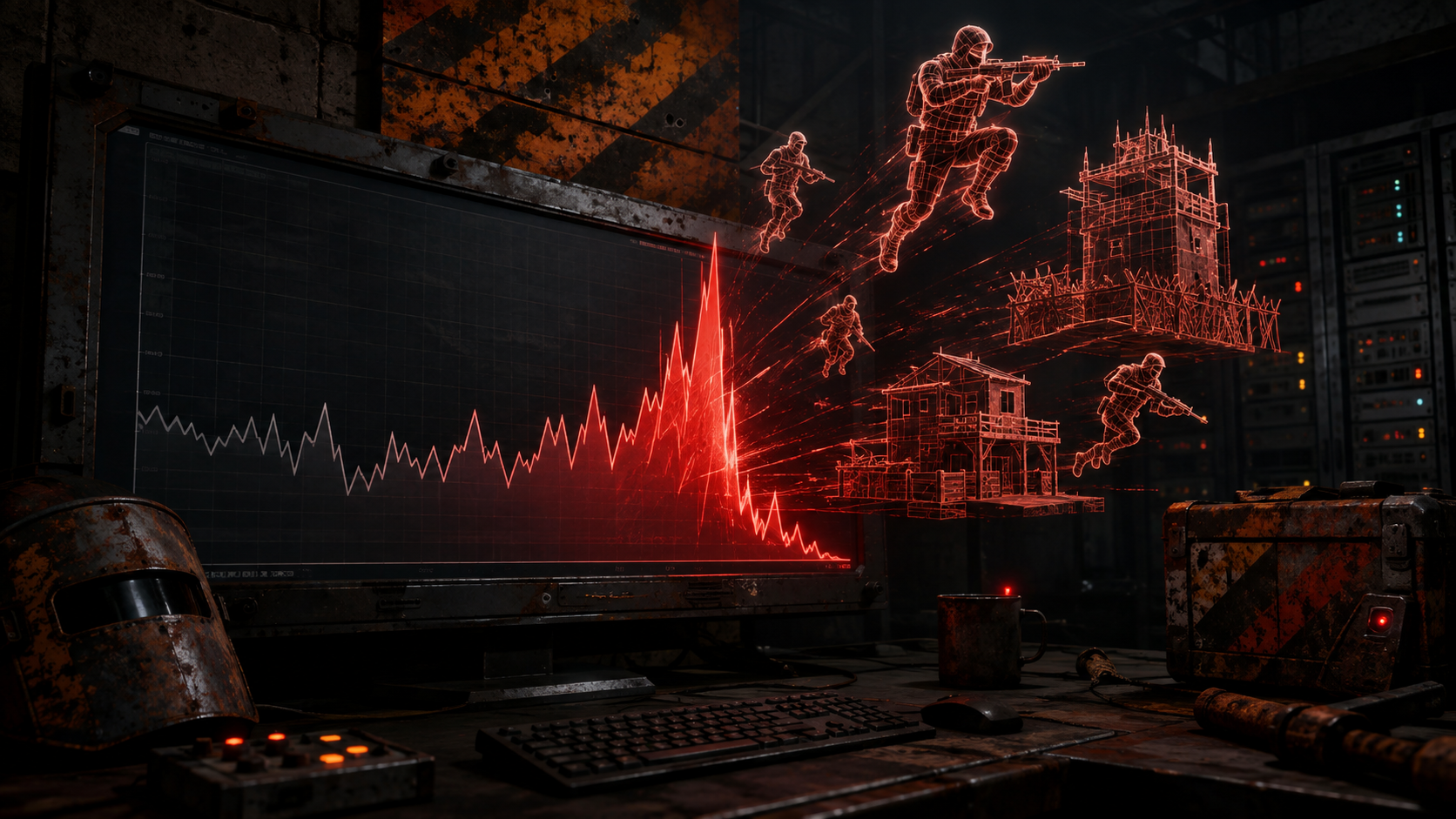
Your server is at 12 FPS and the console tells you nothing useful. LagSnitch names the grid square, the player and the entity type responsible — in chat, on a HUD, and in your Discord. ## The problem Rust gives you a tick rate number and nothing else. When it drops, you are left guessing: is it entities, is it turrets, is it one player's industrial spaghetti, is it a plugin, is it the save? So the usual fix is a restart, then another restart, then a wipe, and you never find out what it was. Meanwhile your players feel every second of it. ## What LagSnitch does Watches the server continuously and attributes the cost. **By grid square.** The top offending grids, ranked, so you can fly to the problem instead of guessing at it. **By player.** `/lagsnitch player <name>` gives you one person's entity footprint — what they have built, how much of it costs, and their ping. **By entity type.** IO entities, industrial, turrets, storage, vehicles, NPCs, building blocks — counted, ranked, and shown against the thresholds you set. **By subsystem.** Server manager update, net cycle, physics sync, player cycle — the millisecond cost of each, so "the server is lagging" becomes "the net cycle is eating 40ms". **By spike.** The lag spike profiler records RPCs, commands and RCON calls that blew past your millisecond thresholds, so a one-second freeze leaves evidence instead of a memory. ## It tells you before your players do Set a warning and a critical tick rate. When the server crosses critical, LagSnitch can take an automatic snapshot — the full picture at the moment it went bad — and post to your Discord webhook. You read the diagnosis in the morning instead of reconstructing the night. ## A HUD, not just chat spam `/lagsnitch ui` opens a live performance HUD you can drag where you want it and expand for detail. Admins get it by default; give your moderators `lagsnitch.view` and they get it too, without the commands that change anything. ## Features - Continuous monitoring on an interval you set - Top grids, top owners and top entity types, all ranked - Per-player entity footprint and ping report - Subsystem millisecond breakdown — server manager, net cycle, physics, player cycle - Lag spike profiler for RPC, command and RCON calls over your thresholds - Work queue profiler - Network profiler with per-connection stats and optional packet capture - Memory and GC report, save timing report - Manual and automatic snapshots, with history you can page back through - Discord webhook alerts on critical events - Draggable, resettable live HUD with per-player positions - Three permissions, so read-only staff never get the destructive commands - Oxide and Carbon - No dependencies ## Commands `/lagsnitch` on its own prints the help. Available to `lagsnitch.view` and `lagsnitch.admin`. | Command | Access | Description | |---|---|---| | `/lagsnitch health` | view | Tick rate, frame rate, entity counts against your thresholds | | `/lagsnitch grid` | view | Top offending grid squares | | `/lagsnitch player <name\|steamid>` | view | One player's entity footprint and ping | | `/lagsnitch entities` | view | Entity types ranked by cost | | `/lagsnitch subsystems` | view | Millisecond cost per server subsystem | | `/lagsnitch spikes` | view | Recent lag spikes and what caused them | | `/lagsnitch network` | view | Network and per-connection stats | | `/lagsnitch memory` | view | Memory use and GC collections | | `/lagsnitch saves` | view | Save duration history | | `/lagsnitch ui` | view | Toggle the live HUD | | `/lagsnitch reset` | view | Reset your HUD position | | `/lagsnitch snapshot` | admin | Take a full snapshot now | ## Permissions | Permission | Effect | |---|---| | `lagsnitch.admin` | Everything, including snapshots and profiler controls | | `lagsnitch.view` | Read-only reports and the HUD | | `lagsnitch.alerts` | Receives in-game alerts when thresholds are crossed | ## Configuration ```json { "Monitoring": { "CheckIntervalSeconds": 10.0, "TopGridCount": 10, "TopOwnerCount": 10, "TopEntityTypeCount": 10 }, "LagThresholds": { "TickRateWarning": 20.0, "TickRateCritical": 15.0, "FrameRateWarning": 30.0, "AutoSnapshotOnCritical": true, "HighPingThresholdMs": 150, "EntityCountWarning": 400000 }, "SnapshotSettings": { "EnableHistory": true, "MaxSnapshotsStored": 50 }, "DiscordWebhook": { "Enabled": false, "Url": "" }, "ProfilingFeatures": { "EnableLagSpikeProfiler": true, "EnableWorkQueueProfiler": true, "MaxSpikeEventsShown": 20 }, "RuntimeProfiler": { "Preset": 1, "RpcLagSpikeThresholdMs": 40, "CommandLagSpikeThresholdMs": 40, "RconLagSpikeThresholdMs": 40 }, "NetworkProfiler": { "EnablePerConnectionStats": false, "ConnectionsPerFrame": 30, "EnablePacketCapture": true, "PacketCaptureDefaultSecs": 10 }, "Hud": { "RefreshIntervalSeconds": 3.0, "AllowViewPermission": true, "AnchorMin": "0.35 0.85", "AnchorMax": "0.65 0.85" } } ``` ## One thing to decide deliberately `RuntimeProfiler.Preset` is `1` out of the box, which turns on Facepunch's own profiler recorders and gives you the GC and allocation detail. Presets 1 and 2 upload performance telemetry to Facepunch's servers. Set it to `0` if that is not something you want, and the rest of the plugin still works. ## Requirements Oxide or Carbon. No dependencies. ## Support Every purchase comes with the private updates channel in our Discord and updates for the life of the plugin. Your licence key and download live on your purchases page the moment payment clears.
$19.99 · v1.0.4
 RUST PLUGIN
MagicVendies
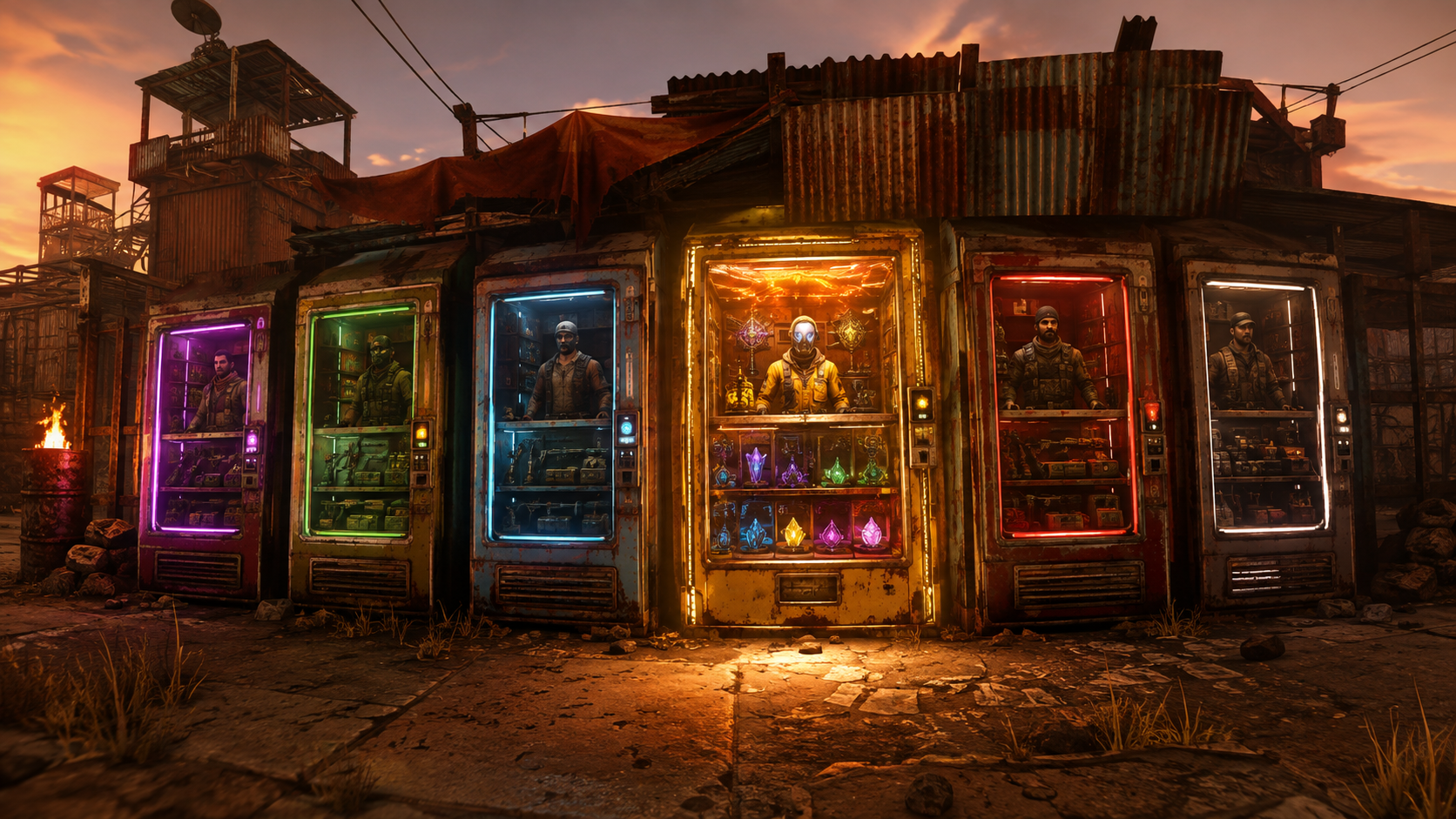
Rewrite what the monument vendors sell, from inside the game. Point at a machine, change the orders, rename it, reskin it — no config editing, no restart. ## The problem The NPC vending machines at Outpost and Bandit Camp are the only shop most players ever use, and their stock is whatever Facepunch decided. If your server is 5x, or PVE, or running a custom economy, those prices are wrong on day one — and the only way to change them is a config file full of item ids and a server restart to see whether you got it right. ## What MagicVendies does `/magicvendies` opens an admin UI listing every NPC vending machine at the monuments you configure. From there you can: - **See every machine** at a monument, and teleport straight to one to check your work - **Edit its orders** — what it sells, what it costs, how many - **Search a real item browser** instead of typing shortnames, with paging and search - **Set skins** on the items it sells, and on the machine itself - **Give an order a custom display name** - **Toggle blueprint mode** on an order - **Edit an order that is already live**, or remove it - **Rename the machine** so players know what it is Changes are saved and restored, so the machines come back the way you left them after a restart or a plugin reload. ## Purchase cap Vanilla lets a player pull a machine's entire stock in one transaction. `Max Purchase Amount` caps how much can be bought at once, so a single buyer cannot empty a shop you set up for the whole server. ## Features - In-game UI for every NPC vending machine at the monuments you list - Add, edit and remove sell orders without touching a config file - Item browser with search and paging — no shortname hunting - Skin ids on sold items, custom display names, blueprint toggle - Rename machines and set machine skins - Teleport to any listed machine from the UI - Edit orders that are already live - Per-transaction purchase cap - Settings persist across restarts and reloads - One permission gates the whole tool - Oxide and Carbon - No dependencies ## Commands | Command | Access | Description | |---|---|---| | `/magicvendies` | `magicvendies.use` | Open the vending machine editor | Everything else happens in the UI. ## Permissions - `magicvendies.use` — open and use the editor ## Configuration ```json { "Monument Names": [ "Outpost" ], "Max Purchase Amount (minimum 1, default 10)": 10 } ``` Add the monuments you want to manage to the list — Bandit Camp, Fishing Village, and any custom monument by name. ## Requirements Oxide or Carbon. No dependencies. ## Support Every purchase comes with the private updates channel in our Discord and updates for the life of the plugin. Your licence key and download live on your purchases page the moment payment clears.
$19.99 · v1.0.4
PlayerRanches
**Player-built livestock ranches for Rust. Fence a pen, place a gate, then buy and upgrade it from a UI.** | | | |---|---| | Version | 1.0.0 | | Author | Crtcarl | | Platform | Oxide / uMod (Rust) | | Optional plugins | Economics, ServerRewards, Clans, TruePVE, EntityScaleManager | Player Ranches turns the vanilla animal fence into a real ranch. A player builds a closed pen with animal fences and an animal fence gate. The plugin detects the pen, the player buys it, and a feeding and water station appears inside. Livestock led into the pen are registered to the ranch and protected. Upgrades add more animal slots, automatic water, and automatic milk, wool and dung collection. ## Features - **Build it yourself** - no admin setup and no fixed zones. Any closed pen made from animal fences with a gate becomes a ranch. - **Automatic pen detection** - the plugin finds the fence loop, measures the area, and tells the player what is wrong if the pen is not closed (for example, where the gap is). - **Ranch UI** - buy, upgrade, manage the herd, sell animals, and manage access, all from one panel. - **Tiers** - Basic, Standard and Premium by default. Each tier sets the animal cap and unlocks add-ons. Tiers are fully configurable. - **Ranch station** - a hitch and trough, a water barrel, and a ranch box are placed inside the pen. - **Auto water** - on the Premium tier a powered pump keeps the barrel and the trough full of fresh water. - **Auto-milker** - milks ready cows and puts the milk in the ranch box. - **Auto-shearer** - shears sheep and puts the wool in the ranch box. - **Dung collector** - collects dung into the ranch box. - **Animal protection** - ranch animals only take damage from the owner, team, clan and authorized players. Other players cannot lead them away. - **No fence decay** - ranch fences and gates do not decay. - **Sell to the server** - sell animals at livestock vendor prices, or for the plugin currency. - **Sell or gift to players** - offer an animal to another player for a price, with an accept or decline popup. - **Shared access** - team members, clan members, and up to 8 authorized players can use a ranch. - **Homed animals** - ranch animals stay homed to the pen and roam near its centre. - **Births** - newborns join their mother's ranch. - **Currency** - any item (default scrap), Economics, or ServerRewards. - **Admin panel** - list all ranches, view one, teleport to it, show its outline, re-check it, move or rebuild its station, or remove it. ## Requirements - Oxide / uMod for Rust. - The plugin uses Harmony patches (included with Oxide). Optional: | Plugin | Used for | |---|---| | Economics / ServerRewards | Currency for buying, upgrading and selling. | | Clans | Clan members share ranch access. | | TruePVE | Protects the ranch station (no damage, members-only looting). Without TruePVE, anyone can break and open the station like any other box. | | EntityScaleManager | Scales the water pump model down. Without it the pump is full size. | ## Installation 1. Copy `PlayerRanches.cs` into `oxide/plugins/`. 2. The plugin creates `oxide/config/PlayerRanches.json` on first load. 3. Edit the config if needed, then reload: ``` oxide.reload PlayerRanches ``` ## Permissions | Permission | Purpose | |---|---| | `playerranches.use` | Use the player command. Only checked when `Require playerranches.use permission` is `true` in the config. | | `playerranches.admin` | Use the admin command and admin panel. | | `playerranches.vip` | Example limit permission. Lets the player own 2 ranches. Add more limit permissions in the config. | ## How it works for players 1. Build a pen from **animal fences** and add an **animal fence gate**. 2. A popup appears when the gate is detected. It says if the pen is closed or what is missing. 3. Type `/myranch` and buy the ranch (50 scrap by default). 4. A trough and water barrel are placed inside the pen. 5. Lead livestock into the pen. Each animal is registered to the ranch, up to the tier's animal cap. 6. Upgrade the ranch and buy add-ons in the UI. Produce goes into the ranch box. ## Player commands The command name can be changed in the config. | Command | Purpose | |---|---| | `/myranch` | Open the ranch UI. Opens straight onto the ranch you are standing in. | | `/myranch accept` | Accept an animal offer from another player. | | `/myranch decline` | Decline an animal offer. | ## Admin commands | Command | Purpose | |---|---| | `/aranch` | Open the admin panel. | | `/aranch here` | Open the admin panel on the ranch you are standing in. | | `/aranch rescanall` | Re-check every ranch pen. | | `/aranch pump` | Show the status of the pump where you stand. | | `/aranch station` | Show the station layout and its usage. | | `/aranch station <barrel\|pump\|box> <x> <y> <z> [yaw]` | Move a station part. | | `/aranch station trough <yaw>` | Set the trough yaw. | | `/aranch station scale <n>` | Set the pump scale. | | `/aranch station gap <m>` | Set the distance from the fence. | | `/aranch station height <m>` | Set the station height. | | `/aranch station rebuild` | Rebuild the station on all ranches. | The ranch outline in the admin panel uses `ddraw`, so it only shows for players with the admin flag. ## Default tiers | Tier | Upgrade cost | Animal cap | Unlocks | |---|---|---|---| | Basic | Included with purchase | 4 | Trough, water barrel | | Standard | 100 | 8 | Ranch box, auto-milker | | Premium | 250 | 14 | Auto-shearer, dung collector, powered water pump | Add-on prices: auto-milker 100, auto-shearer 100, dung collector 75. ## Configuration The config file is `oxide/config/PlayerRanches.json`. | Section | Controls | |---|---| | Commands | Player and admin command names. | | General | Chat prefix, ranch limit per player, limit permissions, buy price, maximum authorized players, team and clan sharing, popup, animal scan interval, roam radius. | | Pen detection | Gate and fence prefabs, search radius, minimum and maximum fence pieces, minimum and maximum pen area, gap tolerances. | | Currency | Type (`Item`, `Economics`, `ServerRewards`), item shortname, display name. | | Harvesting | Milk and wool check interval, ranches processed per second, add-on prices, tame-only rules. | | Protection | Animal damage rules, neglect damage, leading block, admin bypass, fence decay, station rebuild delay. | | Ranch fixtures | Trough, pump and box prefabs, station layout, water tick rates. | | Selling animals to the server | On/off, price multiplier, currency payout, who can sell. | | Selling / giving animals to players | On/off, price buttons, offer expiry. | | Tiers | Name, upgrade cost, animal cap and unlocks for each tier. | Key defaults: | Setting | Default | |---|---| | Buy price | 50 scrap | | Max ranches per player | 1 (2 with `playerranches.vip`) | | Max authorized players per ranch | 8 | | Pen area | 20 to 1600 square metres | | Fence pieces | 4 to 200 | | Milk and wool check interval | 600 seconds | | Milker and shearer need tame animals | true | | Station rebuild after it is destroyed | 300 seconds | | Offer expiry | 120 seconds | ## Notes - If a pen is opened (a fence is removed or destroyed), new animals do not register and collecting pauses until the pen is closed again. - If two ranches' fences connect, the ranches merge into one. - If the owner is offline when an animal sale pays out, the owner is paid on the next `/myranch`. ## Localization All player messages are in the Oxide lang file (`oxide/lang/en/PlayerRanches.json`) and can be translated.
£19.99 · v1.4.5